Put your pattern on every mockup
Cover totes, pillows, duvets and mugs with your seamless pattern in one go.
1 min read
Selling seamless papers, plaids or fabric? Smart Mockups can repeat your pattern across every ready-made mockup, instead of placing it once in the middle.
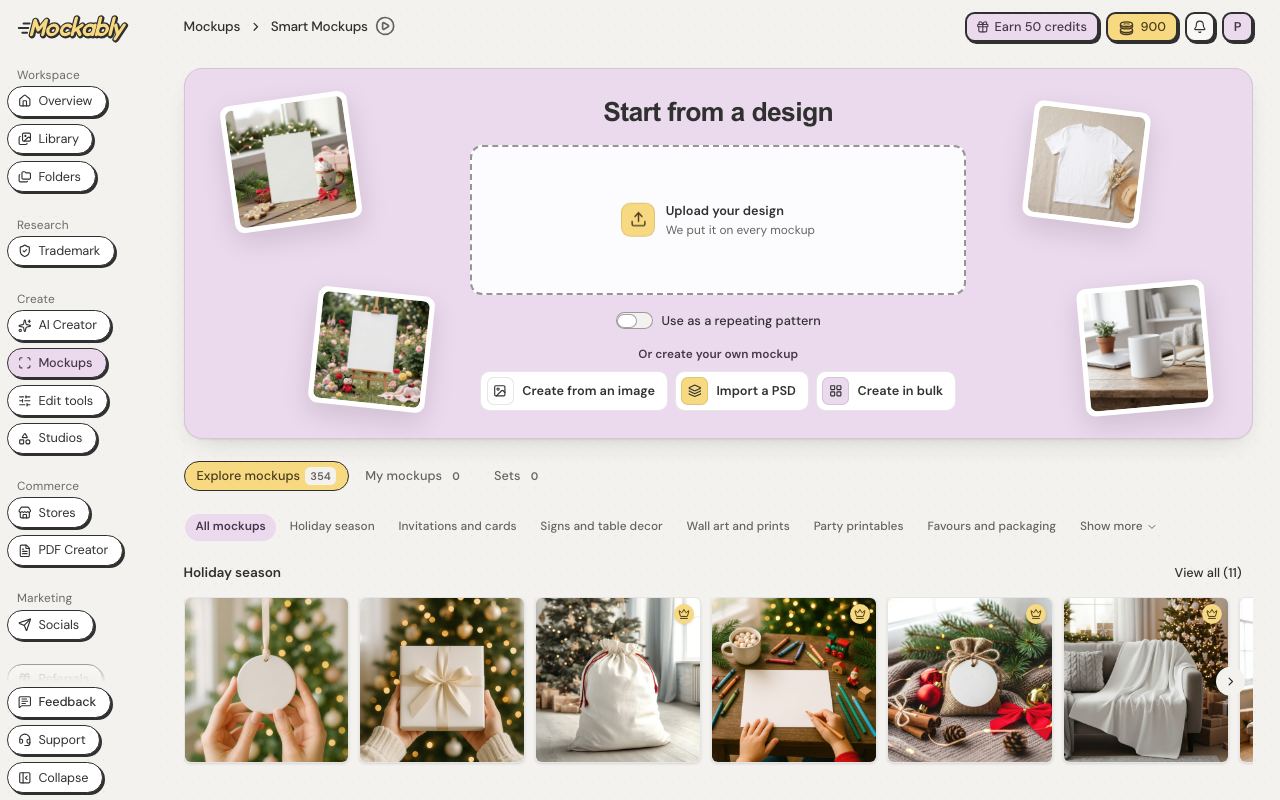
- In the menu, open Mockups, then Smart Mockups.
- Under Start from a design, click Upload your design and choose your pattern.
- Turn on Use as a repeating pattern. Every mockup below shows your pattern repeating.
- Pick Small, Medium or Large to change the pattern size on all of them.