Surface pattern design is artwork made to repeat across fabric, wallpaper, wrapping paper and stationery. Draw your motifs wherever you like. Mockably builds the repeat, tests it for seams, tries new colours and shows it on products before you sell or license it.
The problemBuilding a repeat by hand means an afternoon of nudging motifs across the tile edges.
#1
In the studio
Repeatsthat line up.
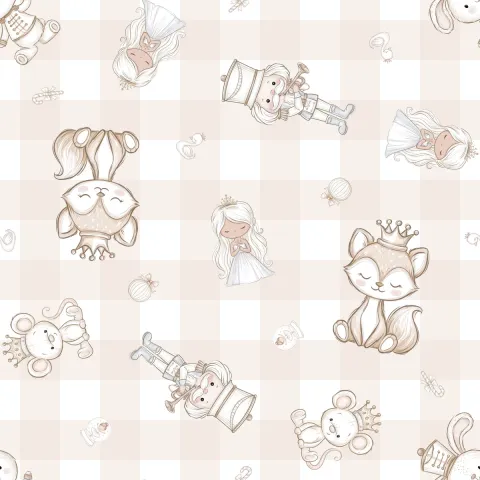
Seamless Studio starts from one of 12 coordinated layouts. Drop in your motifs and the copies at the tile edges follow them, so the tile meets itself with no visible join. Export the pattern at 300 DPI, and on the Studio plan make product files sized for real items.
The problemA seam shows up after the fabric is printed.
#2
In the studio
Find the seambefore the printer does.
Seamless Checker tiles your pattern across the screen. Change the tile size, drag the repeat around and turn on a grid to spot a seam, then download a tiled preview for your listing or portfolio.
The problemA buyer asks for the same collection in a different palette.
#3
In the studio
The same motifs,new colourways.
Colourways recolours a whole set of motifs at once and keeps the outlines, texture and transparency. Upload JPG, PNG or WebP, pick the colour to replace and the new one, and apply it to every image. It's on Pro and Studio, runs in your browser and uses no credits.
The problemA pattern is hard to sell as a flat square.
#4
In the studio
See it onthe product.
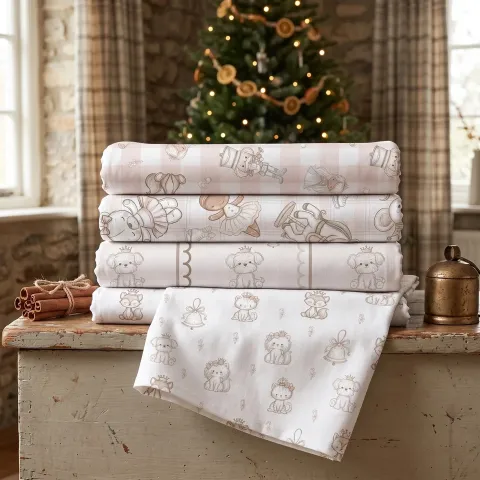
Put the repeat on products from the catalogue with Product Mockups, across your own styled photos with Smart Mockups, or on a photo of your own product with Custom Mockups, so buyers and licensees see the scale and the palette in use.
Most surface designers follow the same path: motif, repeat, test, colourways, scale, upload. Keep drawing in the app you know. Mockably picks up once the motifs exist, and it works with files exported from any of those apps.
1Draw your motifs
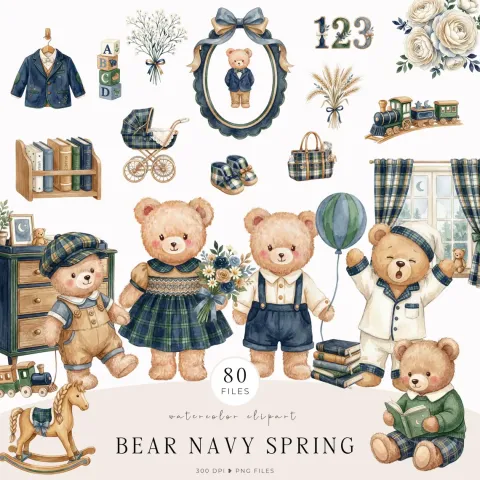
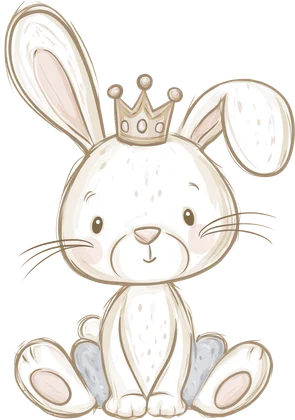
Illustrator, Procreate and Affinity are where most surface designers draw, and that doesn't change. Export each motif as a PNG on a transparent background, or remove the background here: Background Remover keeps the original pixel size. Short of motifs for a coordinate? Image Creator makes them from a description, in the style you write.
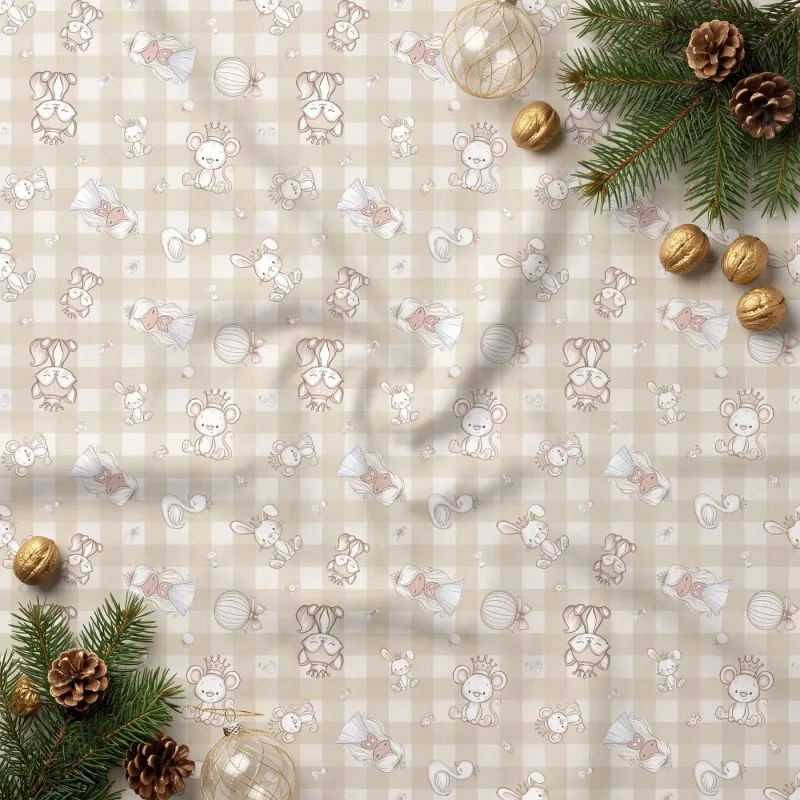
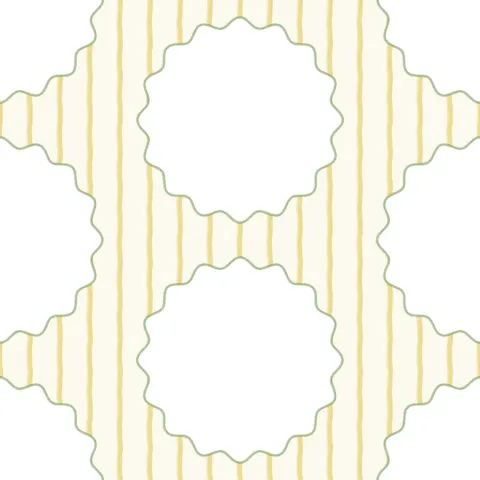
Seamless Studio has 12 coordinated templates, such as Buttercup scalloped frames, Sage quatrefoil and Pink bow trellis, on backgrounds like stripes, gingham and plaid. Drop motifs into the frames and their copies follow at the opposite edge, while the live repeat shows the tile meeting itself. Want your own arrangement? Auto lays motifs out as a grid, brick, half-drop, mirror or scatter repeat, and custom layouts take straight, half-drop or half-brick grids.
A tile built anywhere can hide a seam. Seamless Checker repeats any image across the screen: change the tile size, drag the pattern to look at every join and turn on the grid. It's free and runs in your browser, so tiles exported from Illustrator, Procreate or Affinity can be checked before they go anywhere, and you can save a tiled preview for your portfolio or listing.
Buyers and licensees often ask for a collection in another palette. Colourways changes one colour across a whole set at once: choose the colour to replace and the new colour, then apply it to every image. Protect keeps gold or cream details as they are, and Add missed catches a pale wash the first pass skipped. It needs Pro or Studio and uses no credits.
A motif that looks right on screen can vanish on a duvet or crowd a mug. Put the pattern on products with Product Mockups, or on your own photos with Smart Mockups, which follows flat, curved, box and cloth shapes. Seamless Studio exports the pattern at 300 DPI, Change DPI sets 300 DPI on tiles you made elsewhere, and on Studio you can make product files sized for items like a straight 20 oz tumbler. Then upload to your print or fabric shop at the size it asks for.
“I am delighted that I no longer have to use the same mockup as everyone else. My designs can now look more professional!”
Bucket, Pattern seller on Etsy
Questionssellers ask.
What is surface pattern design?
Artwork made to repeat across a surface, such as fabric, wallpaper, wrapping paper or stationery. The designer builds a tile that meets itself on every edge, then sells or licenses the pattern for products.
What surface pattern design software do I need?
Most designers draw their motifs in Illustrator, Procreate or Affinity. Mockably covers the steps after the drawing: Seamless Studio builds the repeat, Seamless Checker tests it, Colourways recolours the motifs, and the mockup tools show the pattern on products.
Can I use tiles I made in Illustrator or Procreate?
Yes. Export the tile as a PNG or JPG, then test it in Seamless Checker, recolour it in Colourways or show it on products with the mockup tools.
How do I check that a pattern is seamless?
Tile it and look where the edges meet. Seamless Checker repeats your image across the screen, lets you change the tile size and drag the pattern, and adds a grid to make seams easier to spot.
Can I make a half-drop repeat?
Yes. In Seamless Studio, Auto can arrange your motifs as a half-drop or brick repeat, and custom layouts take straight, half-drop or half-brick grids.
What DPI should a pattern file be?
300 DPI is the usual standard for printed fabric and paper. Seamless Studio exports 300 DPI files, and Change DPI sets 300 DPI on files you already have.
Can I sell or license the patterns I make?
Yes. Your own motifs stay yours, and our terms let you use what you make here commercially on every plan, subject to the rights of others in anything you upload.
Is Mockably free to try?
Yes. There is a free plan, and new accounts get 20 free credits without a credit card. Paid plans add more credits and storage; the pricing page lists what each plan includes.

 #1Motifs
 #2Layout