Clipart buyers expect transparent PNGs with enough pixels to print, often SVG files for cutting machines, a clear licence and a cover that shows the whole set. Here's how to make clipart that ticks every box, with a tool for each step.
The problemDrawing a full set by hand takes weeks.
#1
In the studio
Makethe whole set.
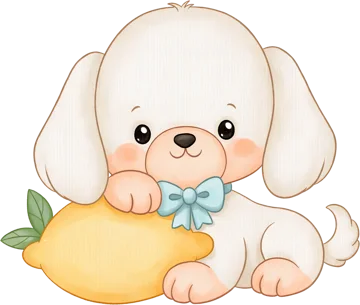
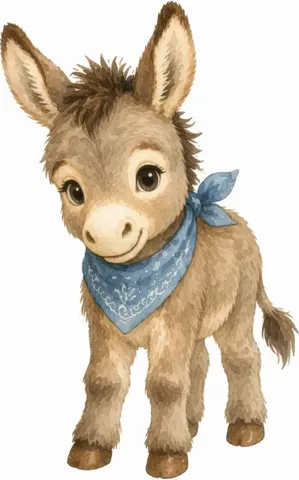
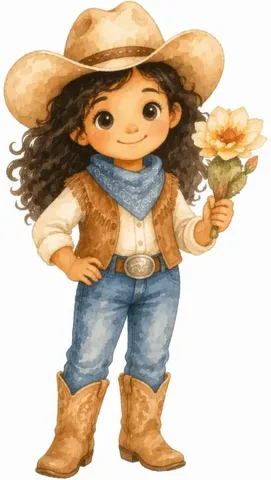
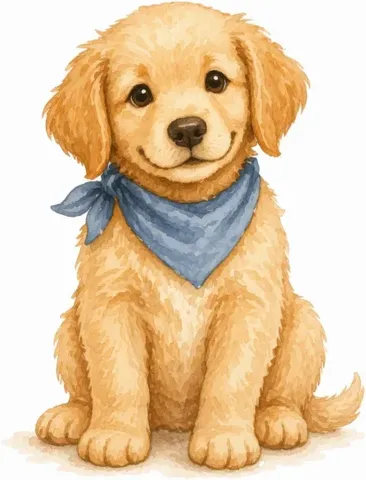
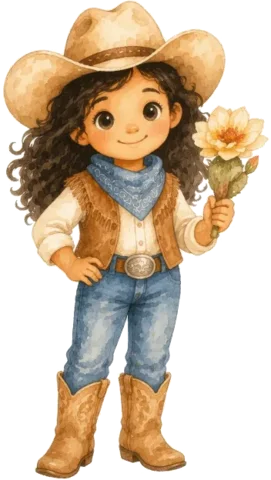
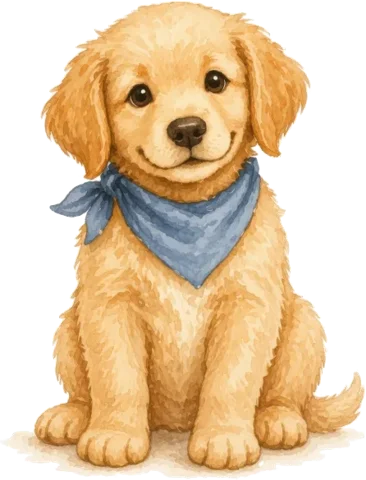
Describe one character or object in Image Creator and keep the one you like. On paid plans, write options in braces, like watercolour {fox, deer, owl} on white background, to make the rest of the set in the same style.
The problemWhite boxes and soft edges lead to unhappy buyers.
#2
In the studio
Transparent,sharp and scalable.
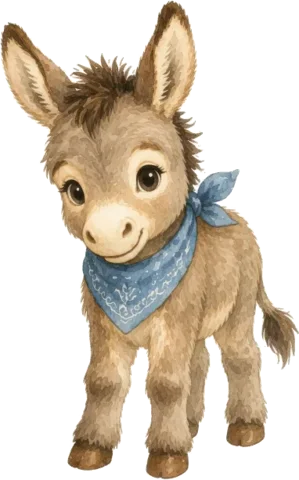
Background Remover turns each piece into a transparent PNG at its original size, in batches. Image Upscaler adds pixels when a piece is too small to print, and the Vectorizer converts the set to SVG for cutting machines.
The problemOne colourway sells, and buyers ask for others.
#3
In the studio
The same set,in new colours.
Colourways recolours a whole clipart collection at once and keeps the outlines, brush texture and transparency. It's on Pro and Studio, runs in your browser and uses no credits.
The problemA transparent PNG on a white page doesn't show buyers much.
#4
In the studio
Show the setin use.
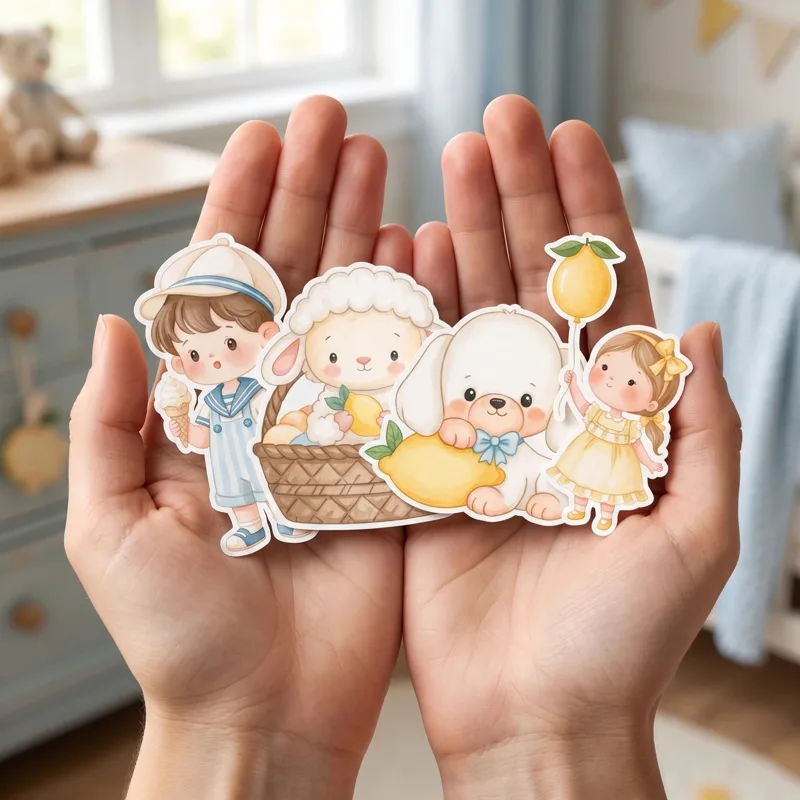
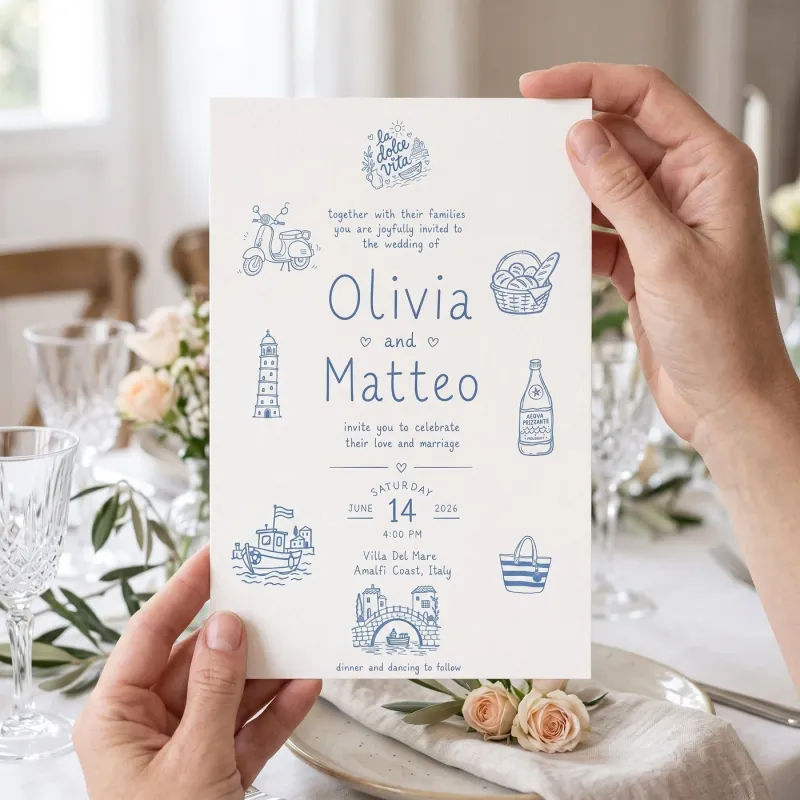
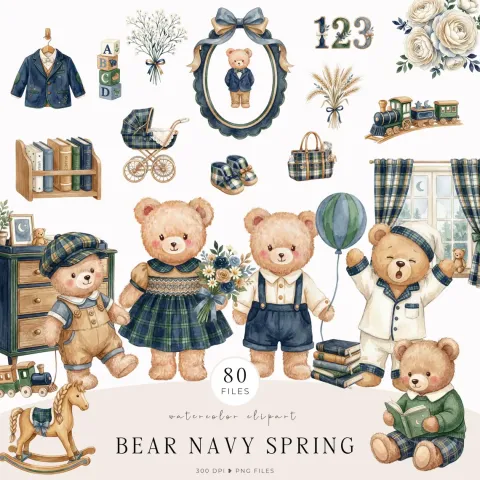
Letter the collection name for your cover with Clipart Badge, in the style of the clipart around it. Then show the set in use, like paper cut-outs in someone's hands or a printed card, with Product Mockups, or put every design in a bundle on your own photos with Smart Mockups.
Clipart sells on clean files and a clear listing. Here's what to put in the download, what to say about the licence and how to present the set so it stands out in search.
1Make a set that belongs together
A set sells when every piece looks like it came from the same hand, so keep one style, one palette and one line weight across the files. Draw and scan your own, or describe each piece in Image Creator. On paid plans, braces run each option as its own prompt: watercolour {fox, deer, owl} on a white background gives you three matching pieces in one go. Add a few extras, like a frame, a border or a word, so buyers can use the set for invitations and stickers too.
Every piece should be a transparent PNG with no white box: Background Remover does a whole batch at the original pixel size. Check the pixels: at 300 DPI, a piece meant to print 6 in wide needs 1800 px. Image Upscaler adds pixels when it falls short, and Standard upscales keep the transparency. Change DPI then sets 300 DPI. Add SVG files for cutting-machine buyers with the PNG to SVG Vectorizer, which takes PNG, JPG or WebP, and make a second palette with Colourways.
Tell buyers what they may do with the files. A personal-use licence covers crafts, school projects and gifts. A commercial licence lets them use the clipart in products they sell, such as stickers, mugs or invitations, and many sellers cap the number of items or rule out reselling the clipart as clipart. Put the terms in the description and in a PDF inside the download. Design Studio's clipart templates include a licence page you can edit.
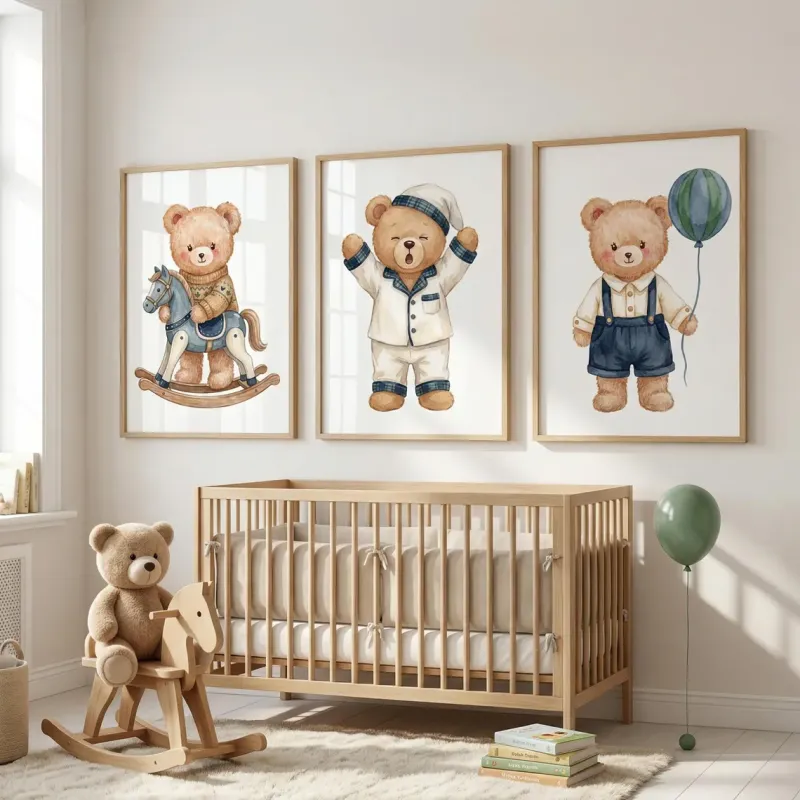
The first photo sells the set. Etsy recommends photos at least 2,000 px on each side, and the first one shows as landscape or square in search, so keep the title in the centre. Clipart Badge letters your collection name to match the clipart, square (1:1) or landscape (4:3), from the Starter plan. Design Studio lays out the cover, a preview of every piece and what's included. Then show the set in use with Product Mockups, or put each design in a bundle on matching photos with Smart Mockups.
You can sell clipart you make with Image Creator: our terms let you use your outputs, including commercially, subject to the rights of others. Two things to know before you list. We can't promise an AI result is unique, so another shop could end up with something similar. And in the US, the Copyright Office has said that images made from a text prompt alone can't be registered for copyright, so your own drawing, editing and arranging is what makes a set yours. Check Etsy's current rules on AI-made items, and say in the listing how the set was made.
Make each piece on its own, remove the background so it is a transparent PNG, and check that it has enough pixels to print at 300 DPI. Add SVG versions if your buyers use cutting machines, then show the set in use in your listing photos.
What file format should clipart be?
Transparent PNG is the standard. Many sellers add SVG files for cutting machines and a JPG preview. Use 300 DPI so the art prints sharp.
What size should clipart be?
Big enough to print at the size buyers will use it. At 300 DPI, multiply inches by 300: a piece that prints 6 in wide needs 1800 px, and one that fills an 8.5 × 11 in page needs 2550 × 3300 px. If your art falls short, Image Upscaler adds pixels and keeps the edges sharp.
What licence should I sell clipart with?
A common setup is a personal-use licence and a commercial licence, with commercial use priced higher. Say exactly what's allowed, such as how many products a buyer may make and whether they may resell the files, in the listing and in a PDF in the download.
Can I sell AI clipart on Etsy?
You can use what you make with Image Creator commercially, subject to the rights of others. We can't promise an AI result is unique, so add your own edits and arrangement, check Etsy's current rules on AI-made items and say in the listing how the set was made.
Can I recolour a clipart set?
Yes. Colourways recolours every piece in a set at once, on Pro and Studio. You pick the colour to replace and the new one, and the outlines, texture and transparency stay as they were.
Is Mockably free to try?
Yes. There is a free plan, and new accounts get 20 free credits without a credit card. Paid plans add more credits and storage; the pricing page lists what each plan includes.
 #1Create
 #2Cut out