Clipart mockup titles lettered from your own set
The first photo of a clipart listing needs a title that looks like part of the set. Upload your clipart, name the collection and get a badge lettered in its colours and painting style.
Every tool in the studio · One membership
Clipart Badge is included on the Starter plan and above.
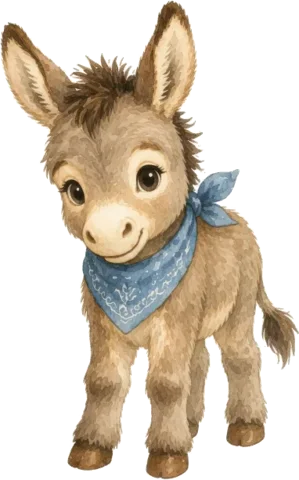
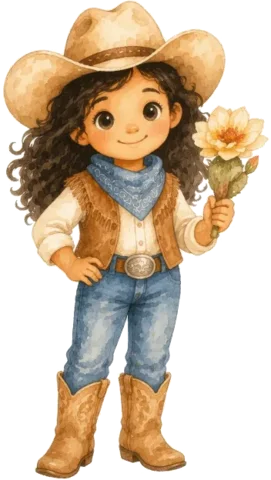
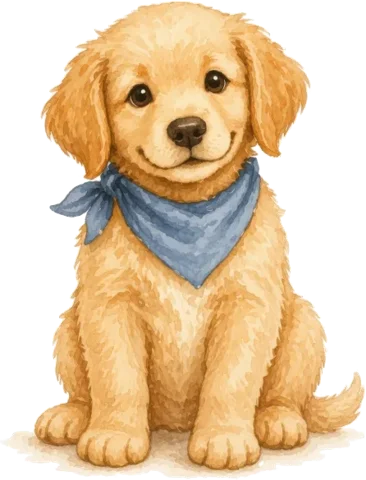
How to use Clipart Badge
4 steps, from what you bring to what you download.
Upload your clipart
Add one image or a whole set. We place them on preview sheets for the AI to study.
Name your collection
Pick a suggested title or type your own in Collection name.
Pick a layout
Select one or more layouts. Each layout gives you one badge.
Add badge details
Add the image count, a top label and file details, choose square or landscape, then create.
- 3 images added
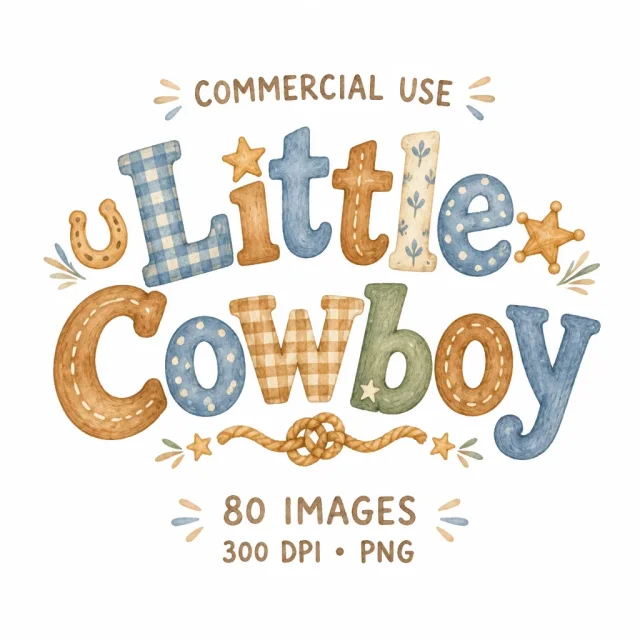
Little Cowboy
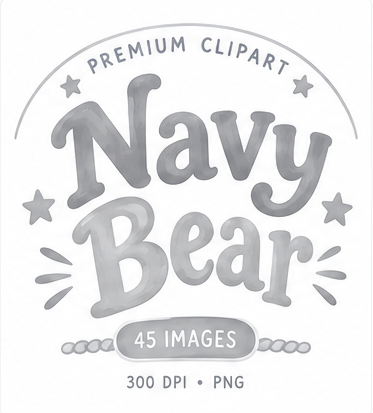 Decorative Arch
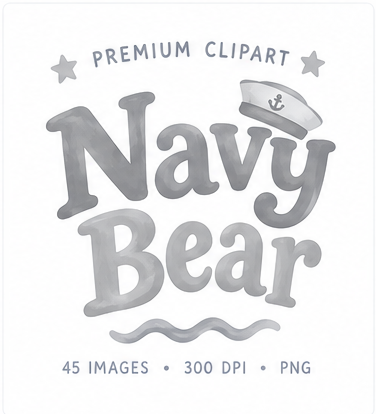 Typographic Lockup
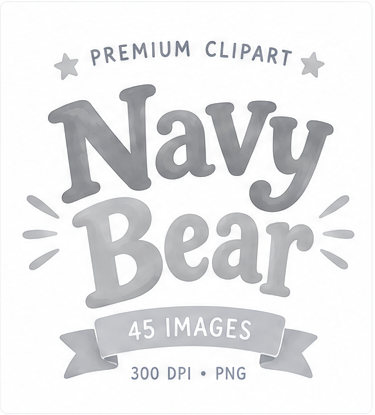 Ribbon Footer
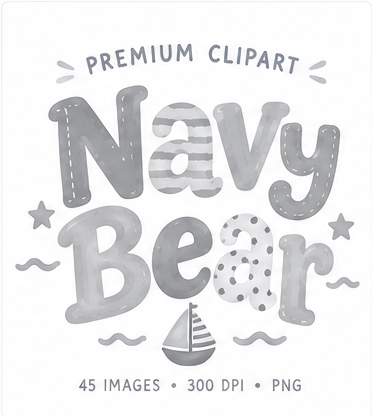 Alpha Doodle
- Top labelPremium ClipartCommercial UseFile details300 DPI • PNGPNG + SVG
A clipart mockup made from your set, no template needed
The usual route to a clipart mockup is a cover template: open it, upload your PNGs one by one, arrange them, then retype the title in a font that almost fits. Clipart Badge starts from the set itself. It studies your clipart on preview sheets and letters the collection name in the same colours, brushwork and mood, so the title looks drawn by the same hand. Make a new badge for every set instead of reusing one template across your whole shop.
Pick a layout that suits the set
Typographic Lockup is a free-standing wordmark with no frame, good for elegant watercolour sets. Decorative Arch curves an open arch around the title. Ribbon Footer adds one ribbon below the title for the image count. Stitched Badge puts the title inside a scalloped stitched panel, and Alpha Doodle draws doodle letters filled with patterns from your clipart. Minimal is type only, with plenty of space. Each layout you select makes its own badge, so pick two or three and keep the one that fits the cover.
Keep the title centred for Etsy search
Etsy shows the first photo of a listing as landscape or square in search results, so anything near the edges can be cut off. Make the badge square (1:1) or landscape (4:3) to match your cover, and keep it in the middle of the photo with the clipart around it. Etsy recommends listing photos of at least 2,000 px on each side, so build the cover at that size or larger.
What to put on a clipart listing image
The first photo should tell a buyer what the set is, how many files come with it and in which format. Add badge details covers each one. Collection name holds the title. Image count shows the number of files. Top label offers Premium Clipart, Commercial Use or Watercolor Clipart, or your own words. File details offers lines such as 300 DPI • PNG, Transparent PNG or PNG + SVG. Before you list, check the files match the badge: set 300 DPI with Change DPI, cut out white backgrounds with Background Remover and make SVGs with Vectorizer.
What Clipart Badge does
Made from your set
We place your clipart on a few preview sheets, so the title copies its colours and painting style. Your single files stay on your device.
9 layouts
Decorative Arch, Typographic Lockup, Compact Label, Minimal, Ribbon Footer, Editorial Split, Alpha Doodle, Twin Ribbons, Stitched Badge.
Your words on it
Use a suggested title or type your own, and add an image count and file details if you want them.
Square or landscape
Make it square (1:1) or landscape (4:3) to fit your listing cover.
What people make with Clipart Badge
Clipart bundles
A cover title for a watercolour animal set, a floral bundle or a holiday pack.
Digital paper packs
The pack name lettered in the colours of the papers inside.
PNG and sticker sets
A title with the image count and Transparent PNG, ready for the first photo.
Seasonal collections
A fresh badge for each Christmas, Easter or autumn release, in that set's style.
Who it's for
Clipart sellers
Put a title on the listing cover that matches the clipart around it.
Bundle sellers
Keep the title, image count and file details the same style across every new set.
Pattern and digital paper shops
Letter a collection name in the style of the papers in the pack.
Questions about Clipart Badge
- What is a clipart mockup badge?
- It is the title piece on a clipart listing's main image: the collection name, and often the image count and file type, lettered to match the set.
- Do you upload every clipart file?
- No. The set is packed into overview sheets on your device, and only those sheets are uploaded.
- Can I make more than one design?
- Yes. Select several layouts in one run and you get one badge for each.
- How many credits does a badge use?
- Each selected layout uses 3 credits.
- Which plans include it?
- It is included on the Starter plan and above.
- Do I need a cover template or Photoshop?
- No. The badge is drawn from your own clipart, so there is no template to buy, open or edit.
- Can I write my own title?
- Yes. Pick one of the suggested names or type your own in Collection name. The top label and file details take your own words too.
- Can I use the badges commercially?
- Yes. The badges you make are yours to use on your listings, shop and social posts, with no watermark.
Related tools
See all toolsOne membership. Every tool, Clipart Badge included.
Every tool in the studio · One membership
Clipart Badge is included on the Starter plan and above.