Your Etsy shop next to your studio
Connect your shop to bulk edit listings with AI help, see how they sell, schedule changes and make the PDF buyers download. Nothing changes on Etsy until you approve it.
20 free credits for new accounts · No credit card · Free plan available
In early access: we are opening this to sellers step by step. Every tool in Explore works today, and this one switches on in your account when it is ready for you.
What it looks like inside
Real screens from Stores, with a connected clipart shop. Sales figures, listing pictures and the shop name are blurred.
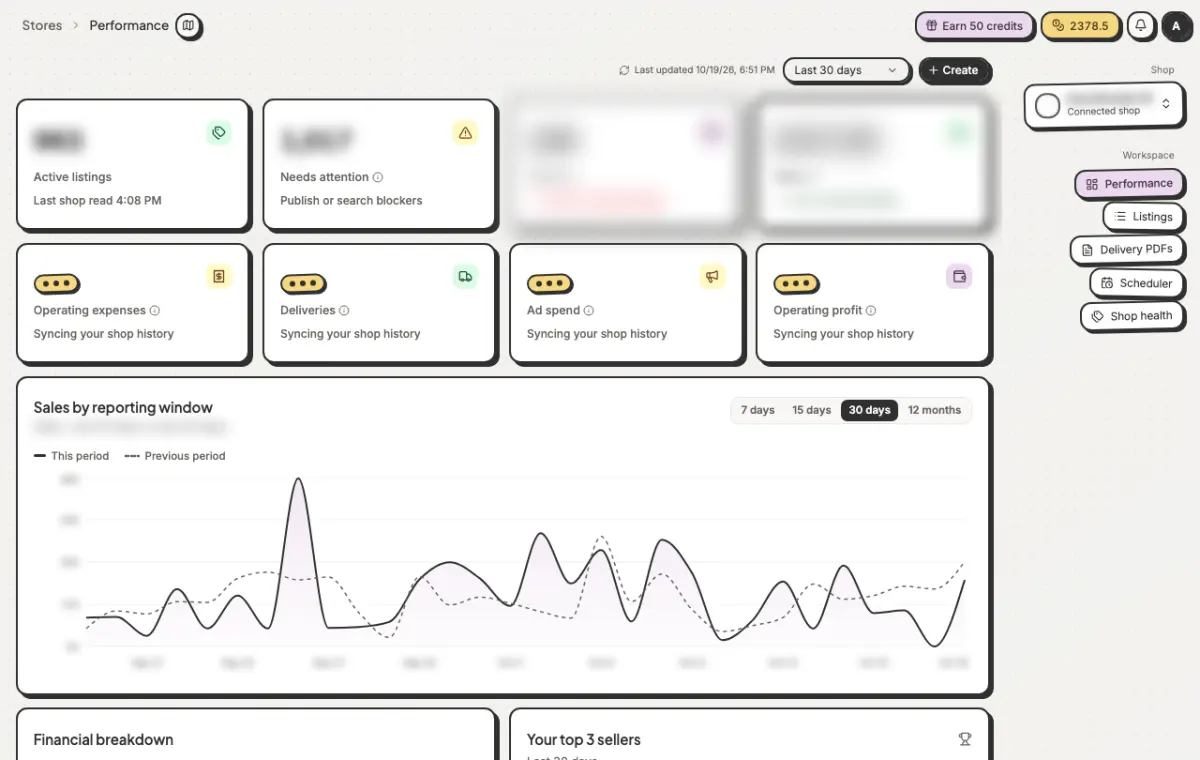
See how the shop is doing
Active listings, what needs attention, orders and sales against the last period, and your best sellers.
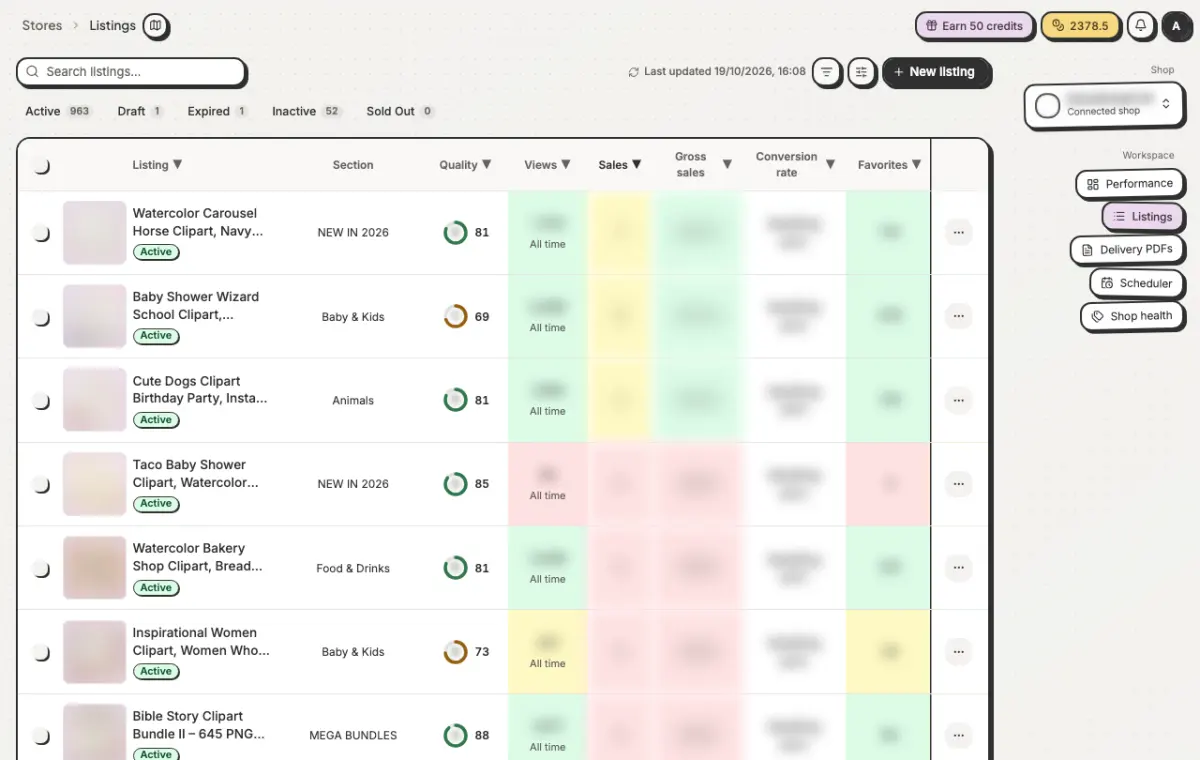
Every listing in one table
Views, sales and favourites next to a quality score, so you know which listings to fix first. Select many to edit them together.
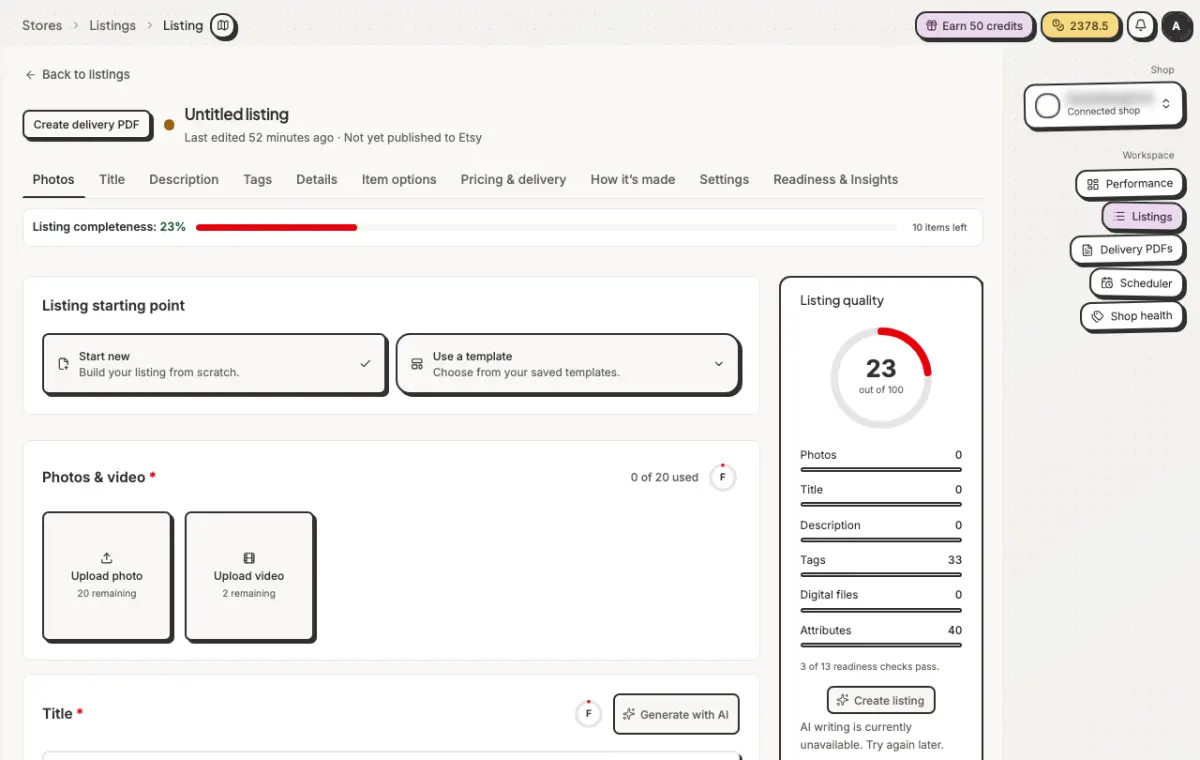
Edit a listing, with AI help
Photos, title, description, tags and details in one place, with a live quality score and AI writing help.
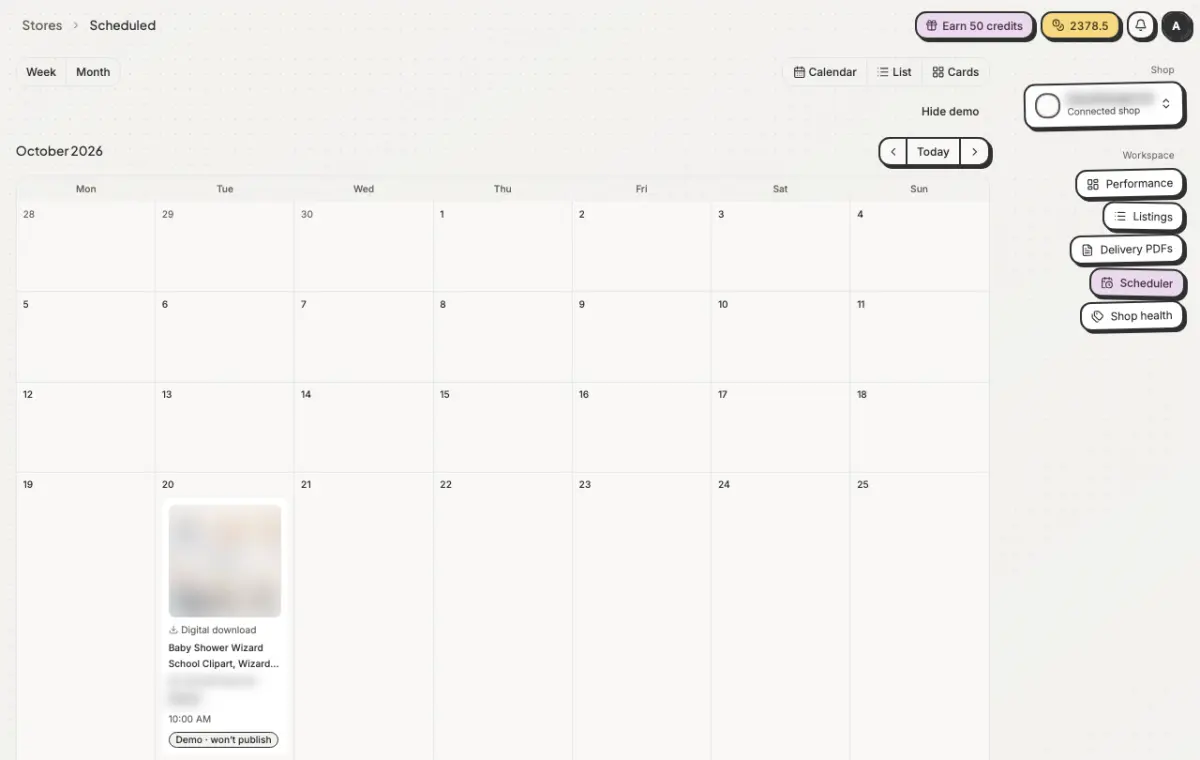
Schedule changes
Plan when a listing or an update goes live and see it on a calendar. Nothing changes on Etsy until you approve it.
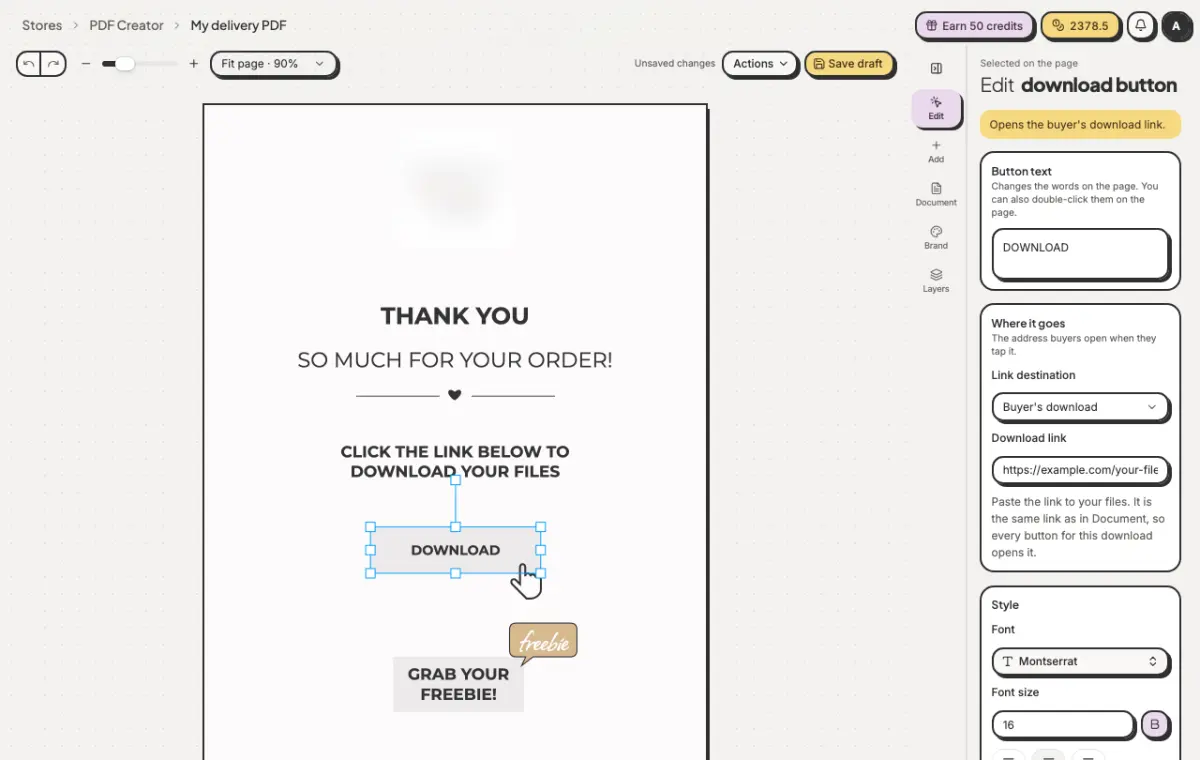
Branded download PDFs
Make the PDF buyers download after they purchase, with your logo, colours and the right links for each listing.
What you can do with Etsy
Connect safely
You sign in on Etsy's own page. Mockably asks only for what the tools need: reading and editing listings and shop sections, and reading sales. It never asks for buyers' email addresses.
Know what to fix first
Each listing gets a quality score, and the shop overview lists what needs attention, like missing photos or search blockers.
Bulk edit your listings
Change titles, tags and details across a whole selection, or let AI suggest them. You review every change before it goes to Etsy.
Create listings faster
Start new listings from a Library folder of mockups, copy them from another shop you connected, or import a CSV file.
Orders, fees and sales
Orders and the sales and fees record come in on their own, without buyers' contact details, so you can see what each month really earned.
Download PDFs for buyers
Make the branded PDF buyers download after they purchase, with the right links for each listing.
Shops you can connect
| Feature | Free | Starter | Pro | Studio |
|---|---|---|---|---|
| Connected Etsy shops | 0 | 1 | 2 | 10 |
Questions sellers ask
- Will Mockably change my listings on its own?
- No. AI suggestions and bulk edits wait for you. A change goes to Etsy only when you publish it or when a time you scheduled comes.
- What does Mockably see from my shop?
- Your listings and shop sections, and your orders, sales and fees. It does not ask for buyers' email addresses.
- Why does it say early access?
- We are opening the Etsy tools to sellers step by step, so they can be checked with real shops first. The making tools (art, print files and mockups) are open to everyone.
- How many shops can I connect?
- No shops on Free, 1 on Starter, 2 on Pro and 10 on Studio.
Make it, then sell it from one place.
20 free credits for new accounts · No credit card · Free plan available
The term 'Etsy' is a trademark of Etsy, Inc. This application uses the Etsy API but is not endorsed or certified by Etsy, Inc.