AI colouring page generator, from a photo or a few words
Turn a photo into clean line art or describe your topic, pick a style for the age you make it for, and download a PNG or a PDF sized for A4 or US Letter. Then put the pages together into a book.
Every tool in the studio · One membership
Colouring Book Creator is included on the Starter plan and above.
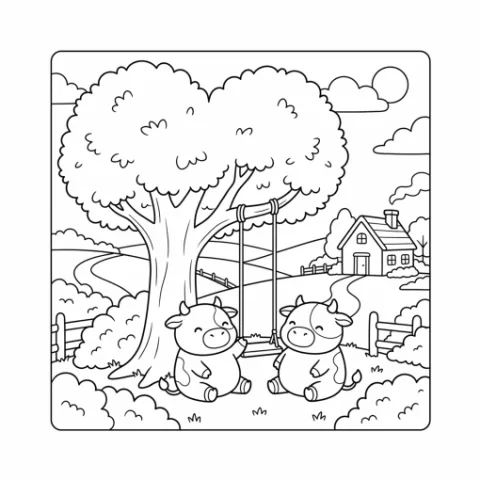
“Happy farm animals, a colouring book for little kids”
How to use Colouring Book Creator
4 steps, from what you bring to what you download.
Pick a style
Choose Preschool, Classic storybook, Kawaii chibi, Detailed line art or another look, or Custom.
Add a photo or topic
Switch to Photo and upload a picture, or to Describe and type Your topic. Inspire me helps with ideas.
Choose the shape
Portrait, A4, landscape or square, to match the paper you print on.
Create and download
Press Create colouring page, then download a PNG, JPG or print PDF, or add the page to a book.
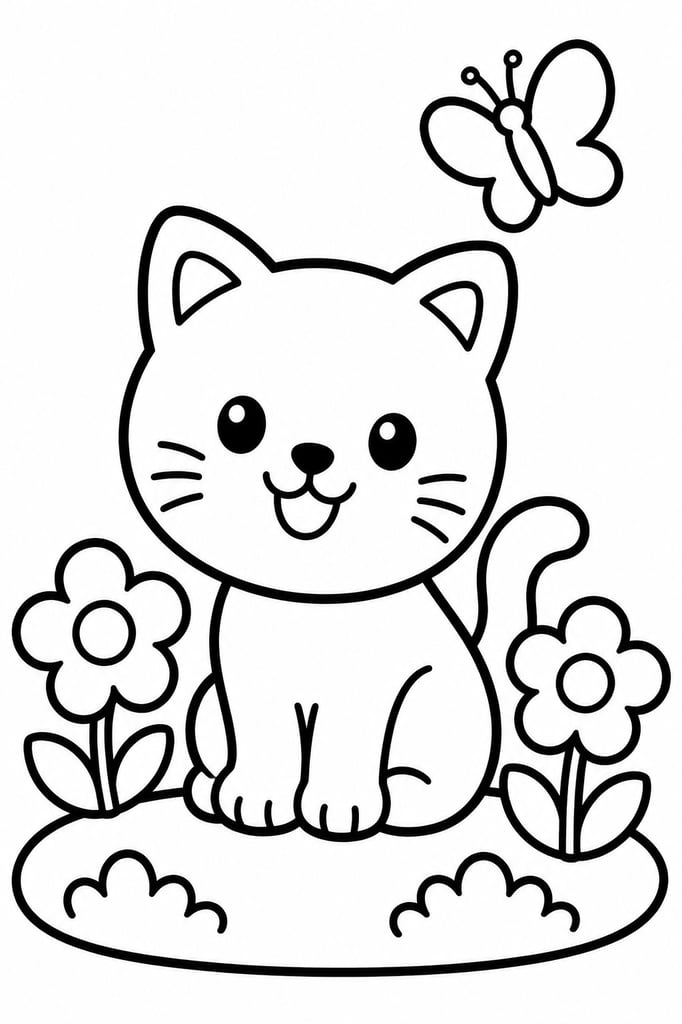 Preschool
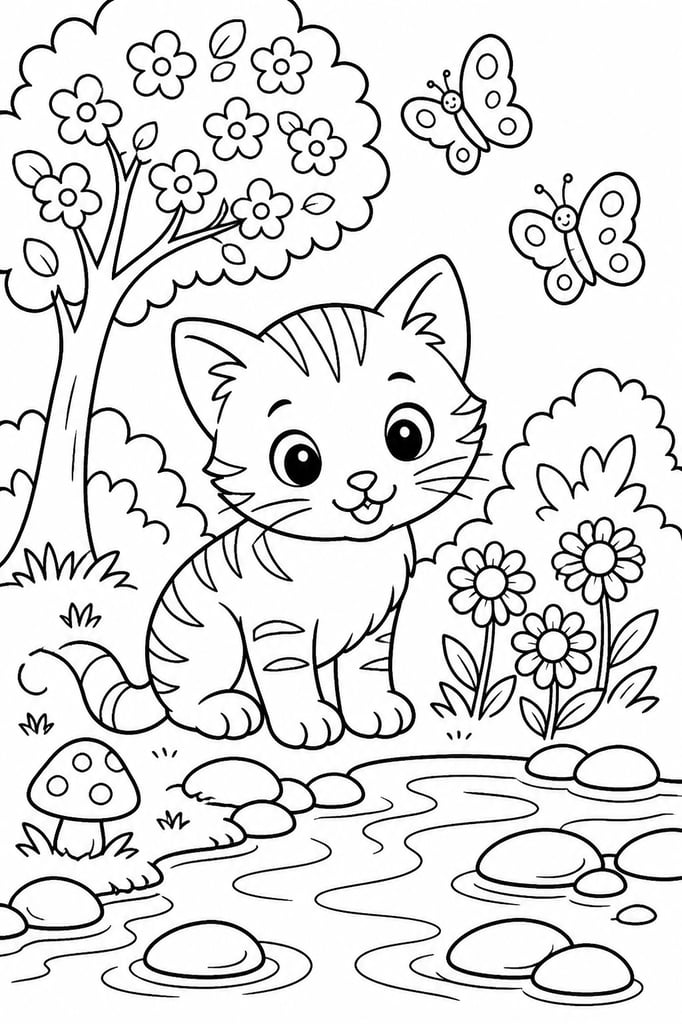 Classic storybook
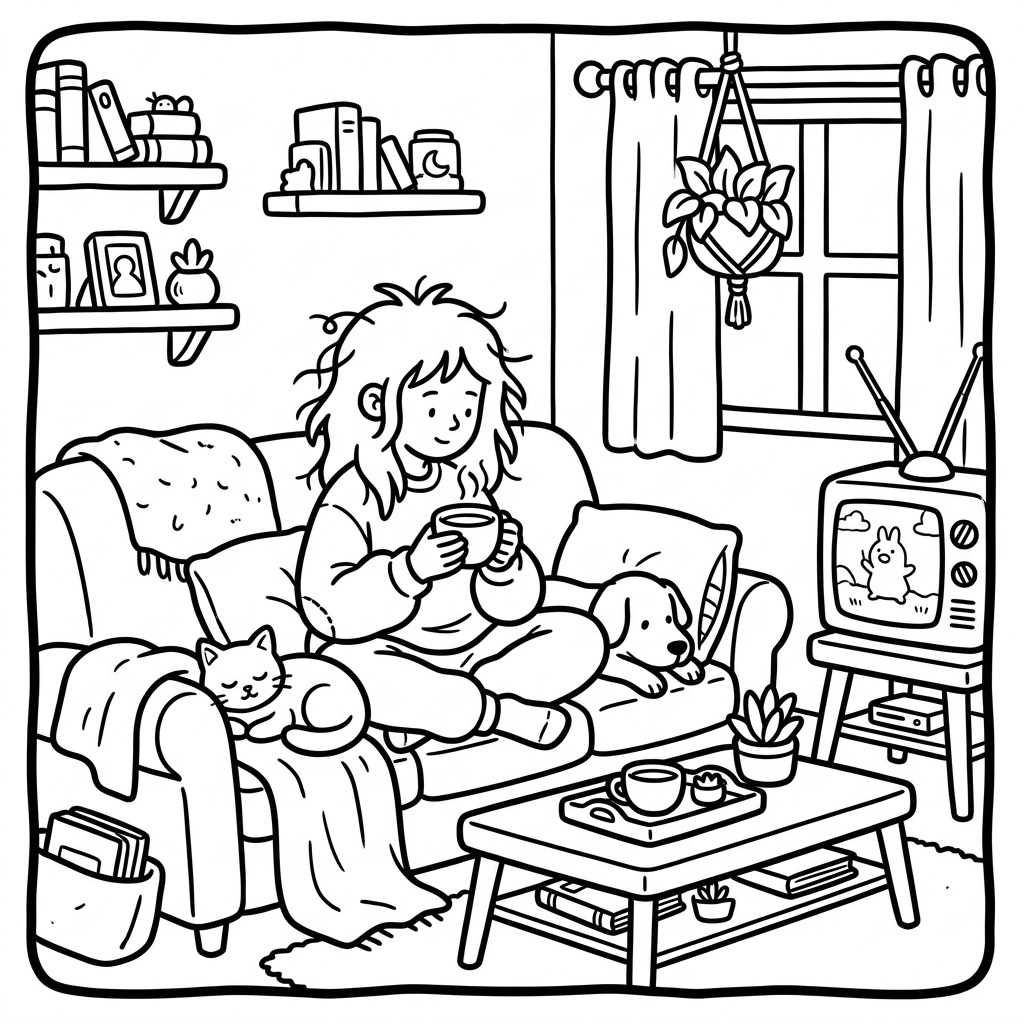 Comfy Kawaii
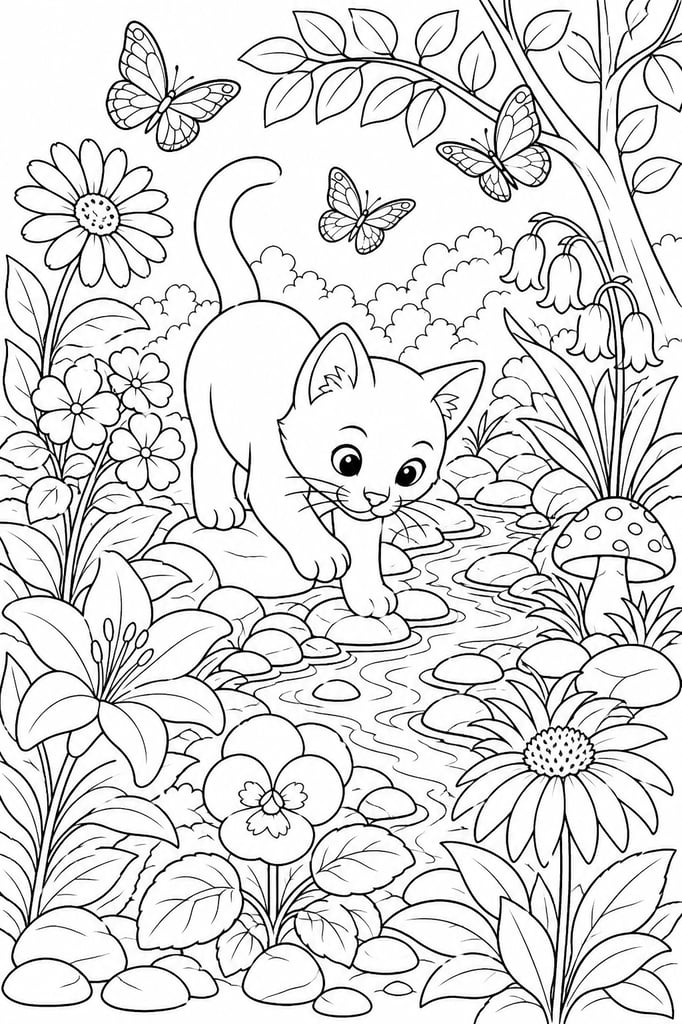 Detailed line art
Happy farm animals, a colouring book for little kids
DescribePhotoInspire me- ShapePortraitA4LandscapeSquare
- PNGPDF for A4 or US Letter
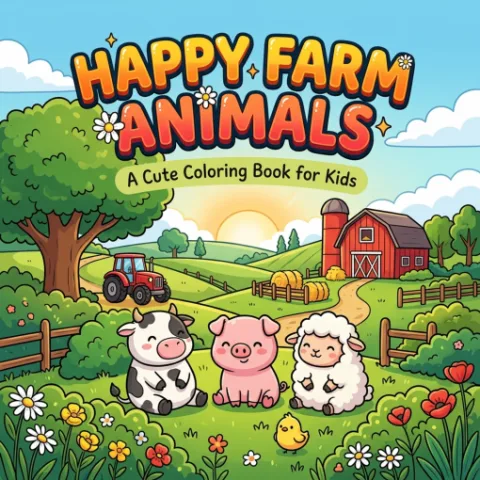
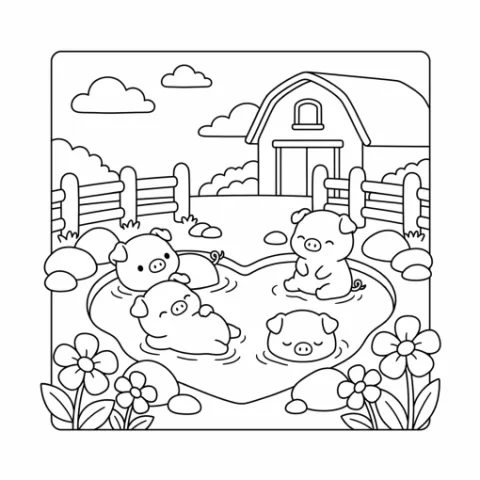
Photo to colouring page, or a page from words
Use Photo when the subject is a real one: a pet, a family photo, a house or a drawing your child made. The AI traces it as clean black lines on white, in the style you picked, and may simplify small details so the page is easy to colour. Photos can be PNG, JPG or WebP. Use Describe for anything you can say in a sentence, such as a fox reading under a mushroom, and add a picture to guide the ideas if you have one. Both start from the same three choices: style, topic and shape.
Line detail to suit each age
Each style sets the amount of detail and the line weight for you. Preschool, Kawaii chibi, Colour by numbers and Colour by stickers use simple shapes and thick lines for young children. Classic storybook and Comfy Kawaii sit in the middle with medium lines. Japanese Kawaii and Worksheet use fine lines, and Detailed line art is intricate, for adults who want a long, slow page. Pick Custom when you want to describe a look of your own.
Make a colouring book to sell
Generate your pages in one style, select the ones you want and press Create a book. Drag pages into order, generate a front cover with your title, add an ownership page, page numbers and your shop logo, then turn the pages in the book preview. Export a PDF at Print (300 DPI) or Digital (150 DPI), every page as a JPG or PNG in a ZIP, or KDP ready: an interior and a full-wrap cover PDF for a paperback at US Letter, A4, 8.5 × 8.5 in and other standard sizes. My books keeps every book you start, and Create a mockup turns the cover and pages into a printed book photo for your listing.
Can you sell AI colouring pages?
Yes. The pages you make are yours to use commercially, with no watermark: sell them as printable downloads, in activity bundles or as a printed book. Commercial use is subject to the rights in anything you upload, so convert photos you took or have permission to use. For listing photos, show the finished book in Product Mockups and lay out the cover, a page preview and the sizes with the colouring template sets in Design Studio.
What Colouring Book Creator does
A photo or your topic
Photo turns a picture, a pet or your own drawing into black and white line art. Describe makes a page from a topic you type.
Styles for every age
Preschool, Classic storybook, Kawaii chibi, Japanese Kawaii, Comfy Kawaii, Worksheet, Detailed line art, Colour by numbers, Colour by stickers, or Custom to describe your own look.
Ideas when you are stuck
Press Inspire me for page ideas that suit the style you picked, then pick the one you like.
Ready to print
Download a PNG or JPG, or a PDF fitted to A4 or US Letter with margins and nothing cropped.
Pages into a book
Select your pages and press Create a book. Add a cover, page numbers and your shop logo, then export it for print.
Clean up by hand
Open a page in a book and use Clean up to brush stray marks away in pure black and white, at no cost.
What people make with Colouring Book Creator
Colouring books
A themed book with a cover, ownership page and page numbers, exported for print.
Printable activity bundles
Colouring pages for party packs, planners and classroom sets.
Colour by numbers sheets
Simple numbered pages with thick lines for young children.
Pet and family portraits
A photo of a pet or a family turned into a page to colour, for a gift or a custom order.
Who it's for
Colouring book sellers
Make a whole themed book page by page, in one style, without tracing.
Printable shops
Add colouring pages to party packs, planners and activity bundles.
Parents and teachers
Turn a favourite animal or a family photo into a page to print at home or in class.
Questions about Colouring Book Creator
- How does the AI colouring page generator work?
- You pick a style, then either describe the page or upload a photo, and choose the shape. The AI draws it as black and white line art, ready to colour.
- Can I turn a photo into a colouring page?
- Yes. Switch to Photo and upload a PNG, JPG or WebP. It is converted into line art in the style you picked.
- Which styles can I choose?
- Preschool, Classic storybook, Kawaii chibi, Japanese Kawaii, Comfy Kawaii, Worksheet, Detailed line art, Colour by numbers, Colour by stickers. Custom lets you describe a look of your own.
- Can I make a whole colouring book?
- Yes. Select your finished pages and press Create a book. Add a cover and page numbers, put the pages in order and export the book. My books keeps every book you start.
- What paper sizes and files do I get?
- Choose the shape first: Portrait, A4, Landscape or Square. A4 is the tallest, close to A4 paper, and Portrait is close to US Letter. A single page downloads as a PNG or JPG, or a PDF fitted to A4 or US Letter with margins, so nothing is cropped. A book exports as a print PDF, a ZIP of JPG or PNG pages, or KDP ready paperback files. For the sharpest print, upscale the pages first.
- Can I sell the colouring pages I make?
- Yes. What you make is yours to use commercially, with no watermark. Use photos you took or have permission to use.
- How many credits does a page use?
- Each page uses 4 credits. Downloads are free.
- Which plans include it?
- It is included on the Starter plan and above.
- Do I need drawing skills or design software?
- No. You pick a style and a topic or a photo, and the page comes out as clean line art. Books and their PDF and ZIP exports are put together in your browser.
One membership. Every tool, Colouring Book Creator included.
Every tool in the studio · One membership
Colouring Book Creator is included on the Starter plan and above.