Bulk mockup generator for the mockup photos and PSDs you own
Upload a blank mockup photo or a PSD. Find products marks every product and cuts out the hands, ribbons and flowers in front. After that, each new design lands on all your mockups in one go.
Every tool in the studio · One membership
Smart Mockups is included on the Pro plan and above.
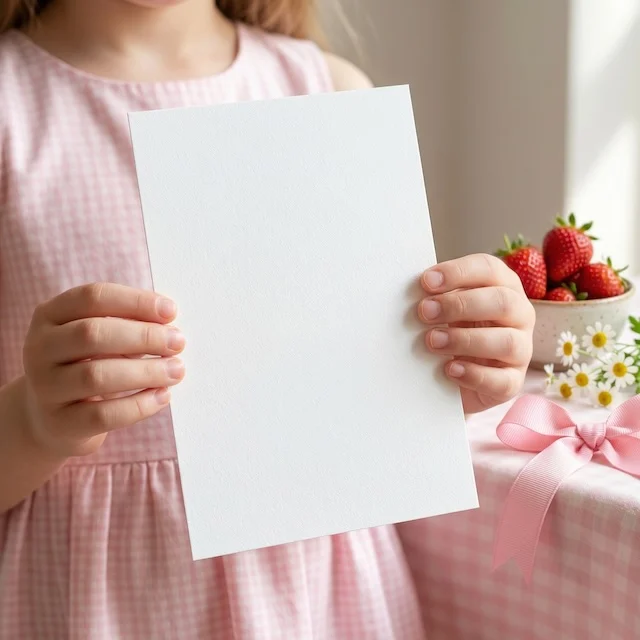
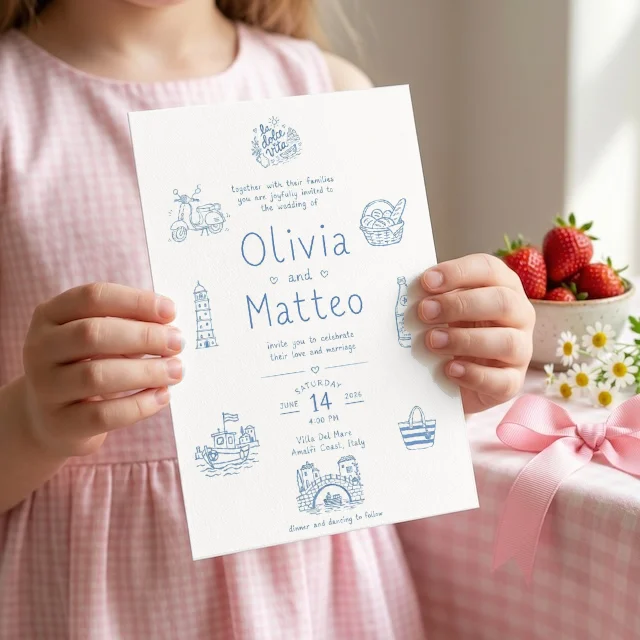
Made by Smart Mockups from the photo and a wedding invitation design, with no AI. The thumbs stay in front of the card.
How to use Smart Mockups
4 steps, from what you bring to what you download.
Upload a blank mockup
Upload a photo of a blank product, or a PSD mockup with smart objects.
Mark the products
Let Find products mark them for you, or paint and tap them yourself, then check the corners.
Add your designs
Give each product a design and drag it into place. The hands and props in front stay in front.
Make bulk mockups
Put new designs on a whole set of mockups at once, then download them all or save them to your Library.
- 1 photo
- Finding your products
- Your designFill
- 6 mockupsDownload all
A bulk mockup generator that runs in your browser
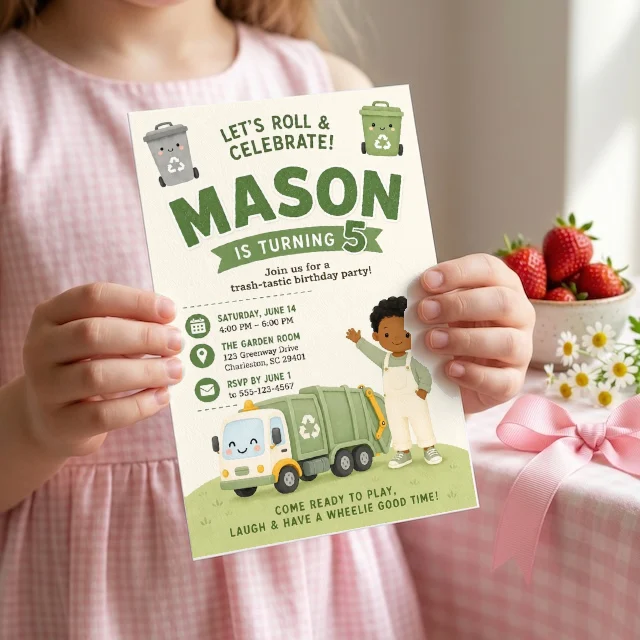
Set up a mockup photo once and it stays ready. Create bulk mockups then takes up to 8 designs and a whole set of your smart mockups and makes every picture at once, with each photo's light and shadows kept. The pictures are made on your device, so they cost no credits. Several designs go on the products in the order you choose them, which suits a bundle shown across matching photos. Download the batch as one ZIP, or save it to your Library.
Use PSD mockups without Photoshop
Bought PSD mockups but never open Photoshop? Upload the PSD or PSB file and each smart object becomes a place for your design, filled in your browser. On Studio it works the other way too: download any mockup you made from a photo as a PSD with smart objects, and keep editing it in Photoshop.
Bulk mockups instead of one PSD at a time
By hand, every new design means opening each mockup, replacing the smart object, saving and exporting, then repeating it for the next mockup and the next design. Here you mark the products in each photo once. After that, Create bulk mockups takes the designs and mockups you pick and makes every picture in one go. Hands, ribbons and props in front of a product stay in front.
Mockups that look like your shop
Stock mockups are sold to many shops at once, so the same photo turns up again and again. Your own styled photos make your listings look like yours, and every new design gets the same look across your shop. Need more blank photos to start from? Make them with Blank Mockups. Then sharpen the results or turn one into a looping clip for your listing video.
What Smart Mockups does
It sets itself up
Find products marks each printable product and cuts out what is in front, in about 20 seconds, for 8 credits. Or mark them yourself for free.
Your own photos and PSDs
Start from any blank mockup photo you own, a Blank Mockups result, or a Photoshop mockup whose smart objects become places for your design.
Flat, curved, box and cloth
Cards and prints, mugs and bags, gift boxes and tablecloths: pick the shape, and the design follows the product.
A different design on each product
Up to 8 products in one photo, each with its own design. Move, resize, turn, fit or repeat every one.
Bulk mockups in one click
Choose up to 8 designs and a whole set of mockups, and get every picture at once, made on your device with no credits.
PNG, JPG or PSD
Download PNG or JPG for your listing, all of a batch as one ZIP, or on Studio a Photoshop file with smart objects to keep editing.
What people make with Smart Mockups
Etsy listing photos
A full set of listing photos for each new design, all in the same styled setting.
Bundle and collection previews
Every design in a bundle on matching products, in the order you choose.
Print on demand product pages
Your design on tote bags, mugs and cards, in photos that match your store.
Social posts and ads
Square mockups for posts and ads, made from the photos you already use.
Who it's for
Sellers with their own photos
Reuse the styled photos you already love for every new design, instead of setting up each mockup again.
Big collections
Show a new invitation, print or pattern on ten mockups in the time one used to take.
Photoshop mockup owners
Use the PSD mockups you bought without opening Photoshop, and fill every smart object in your browser.
Browse mockups by kind
Real examples from each Mockably mockup tool. Pick the kind of mockup you need and open the tool that makes it.
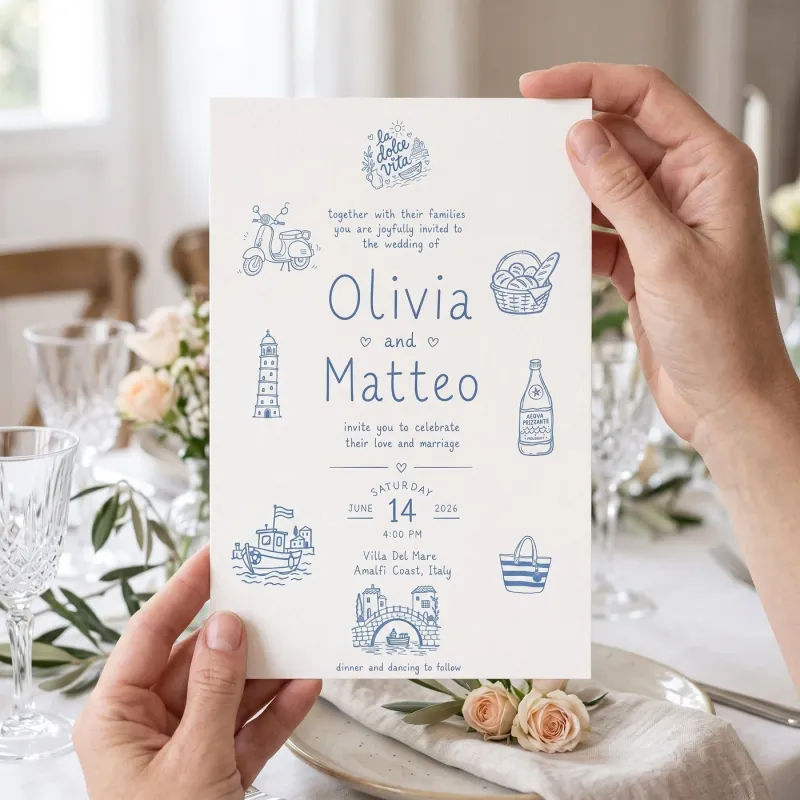 Invitation mockupsYour invitation in hands at a styled table, in a scene the AI makes for you.Product Mockups
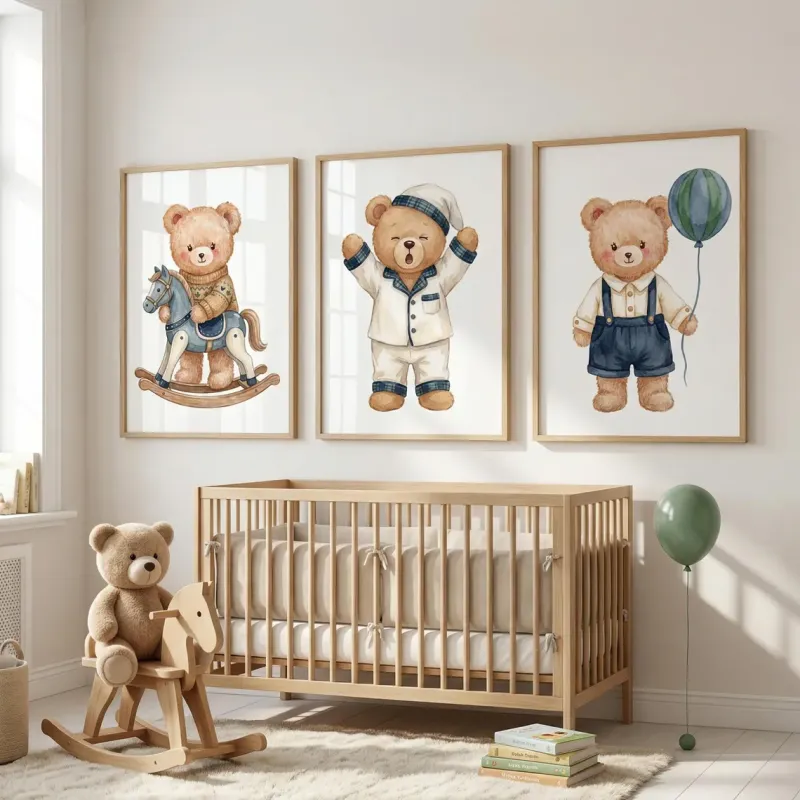 Wall art mockupsYour prints framed on a nursery wall, in a scene the AI makes for you.Product Mockups
- Card mockups from your own photoA blank card photo you own, set up once for any design. The thumbs stay in front.See how it works
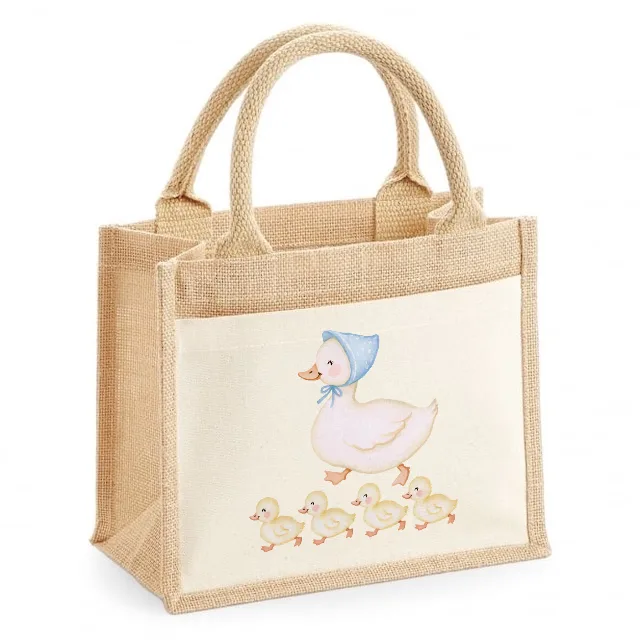
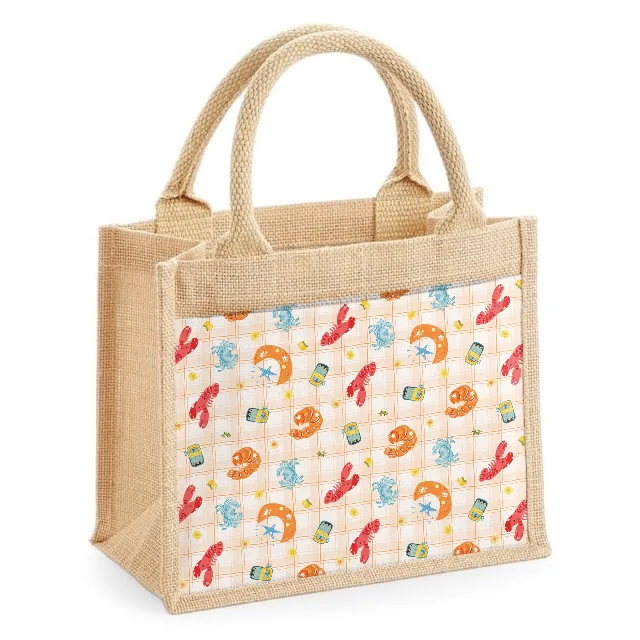
- Tote bag mockupsOne tote photo, a new design on its pocket every time.See how it works
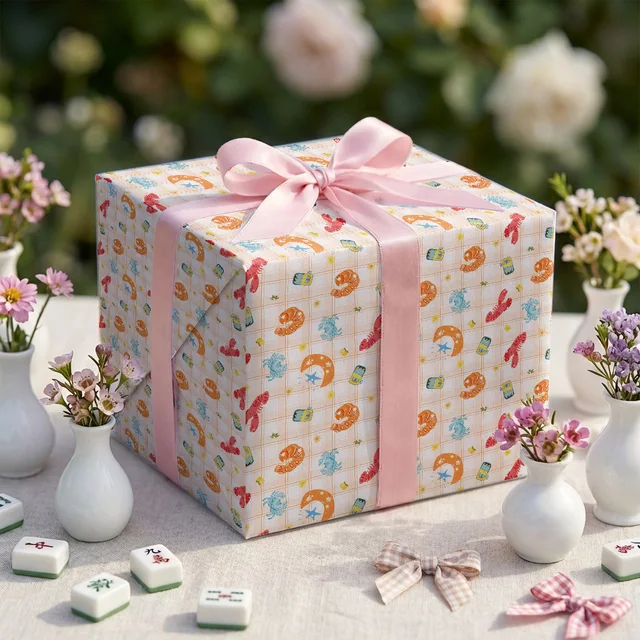
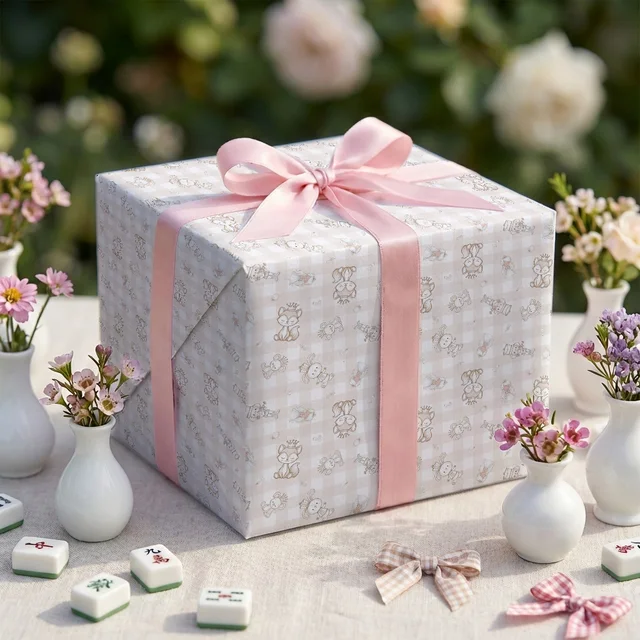
- Gift box and packaging mockupsA box from a Photoshop mockup, wrapped in your pattern on every visible side.See how it works
 Mockups of your own productA photo of the thing you make, with your design, in a new scene.Custom Mockups
 Blank mockup photosEmpty product scenes made to order, ready for any design you add later.Blank Mockups
 A design on a mockup you ownYour design on a mockup photo you already have, following its light and folds.Mockup Merge
Questions about Smart Mockups
- What is a smart mockup?
- A blank mockup photo where the places for your design are already marked. Once it is set up, any design you choose is placed on it in seconds, with the photo's light and shadows kept.
- Can I use my own mockup photos?
- Yes. Upload any blank product photo you have the rights to use, or a Blank Mockups result from your Library.
- Does it work with Photoshop PSD mockups?
- Yes. Upload a PSD or PSB file and each smart object becomes a place for your design. On Studio you can also download any mockup made from a photo as a PSD with smart objects.
- Which plan do I need, and does it use credits?
- Smart Mockups is included from Pro. Find products costs 8 credits each time, and nothing when no products are found. Each month Pro gets 100 free taps to mark products and Studio 250, then a tap costs 0.5 credit. Placing designs, bulk mockups and downloads are free.
- Can each product in a photo get a different design?
- Yes. A mockup can hold up to 8 products, and each one takes its own design. In bulk mockups, several designs go on the products in the order you choose them.
- What if a hand or a ribbon covers the product?
- It stays in front. Find products cuts out what is in front for you, and you can erase anything else with Paint, Erase and Tap to remove.
- Do I have to mark the products myself?
- No. Find products marks every printable product in the photo and cuts out what is in front, in about 20 seconds. You can still adjust the corners, or mark products by hand for free.
- Do I need Photoshop?
- No. Smart Mockups runs in your browser and opens PSD and PSB files itself. You only need Photoshop if you want to keep editing a PSD you download on Studio.
- Do the mockups have a watermark?
- No. What you download is clean. The rights to the mockup photo itself follow its licence, so use photos you made or are allowed to use commercially.
One membership. Every tool, Smart Mockups included.
Every tool in the studio · One membership
Smart Mockups is included on the Pro plan and above.