Seamless pattern maker for repeats made from your clipart
Pick a layout, drop your clipart into its frames and watch the tile repeat as you work. Anything that crosses one edge comes back on the opposite edge, so the pattern joins with no visible line.
20 free credits for new accounts · No credit card · Free plan available
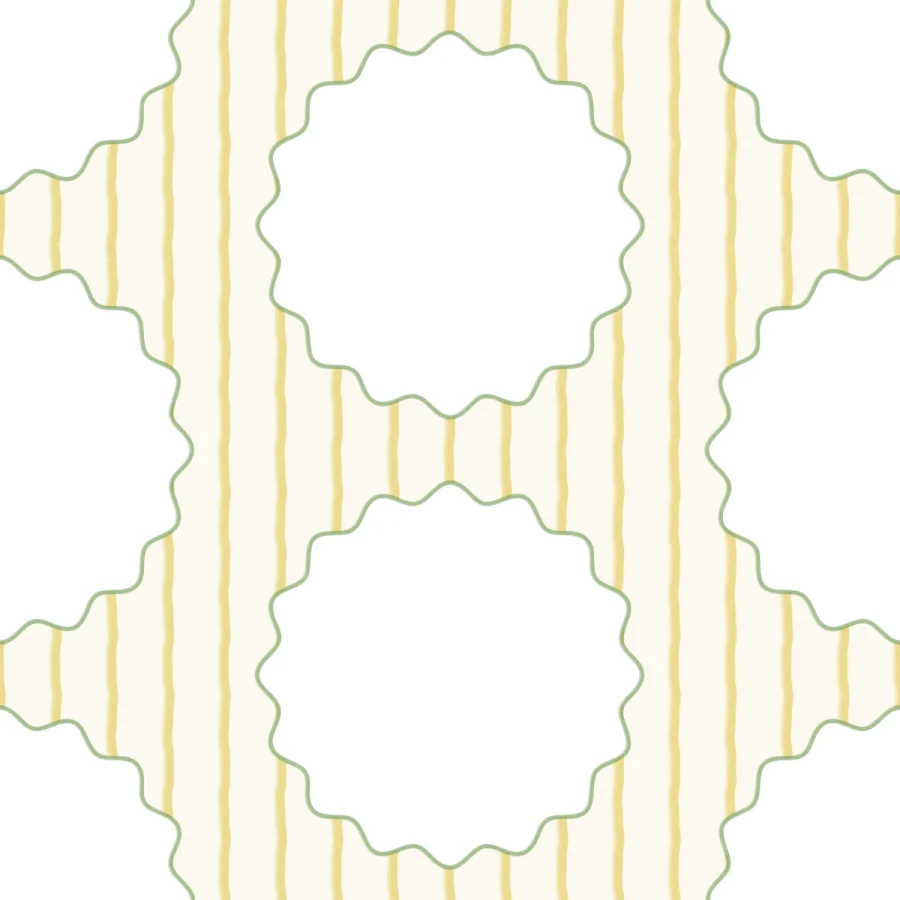
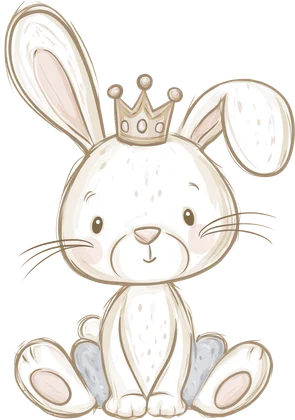
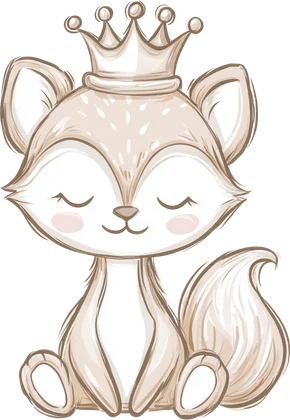
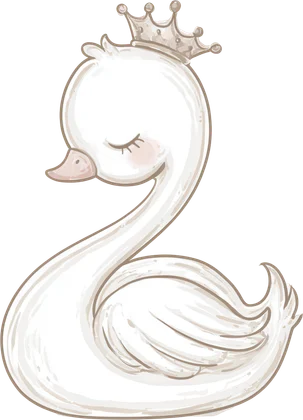
Drawn from the studio's Buttercup scalloped frames template with four clipart motifs in its frames.
How to use Seamless Studio
4 steps, from what you bring to what you download.
Choose a layout
Start from a template, or let Auto, Custom or Manual arrange the artwork.
Add your clipart
Pick artwork from your Library or upload PNG, JPG or WebP. The edge copies follow each motif.
Set the background
Pick a paper or a solid colour, then set its colours and scale.
Check and export
Watch the live repeat, then Download patterns, or Create product on the Studio plan.
- Buttercup scalloped framesClassic stripesFine plaidClassic gingham12 coordinated layouts, on the background you pick
 Edge copies follow
- Live repeat
- Bookmark · 2 × 6 in600 × 1800 px · 300 DPI
- 11 oz mug wrap · 8.5 × 3.5 in2550 × 1050 px · 300 DPI
- Straight 20 oz tumbler · 9.3 × 8.2 in2790 × 2460 px · 300 DPI
A digital paper maker for 12 × 12 inch packs
Digital paper sells as a set of square sheets that match. Make each sheet a pattern in the same project, from the same clipart and palette, and export them together: at the 3600 px tile size every sheet is 12 × 12 inches at 300 DPI, the common size for digital paper. Choose PNG, or JPEG for smaller files, and tick Transparent background when buyers will layer the pattern over their own colour. Select all, and the whole pack downloads in one go.
A seamless pattern from clipart you already sell
The motifs are your own: clipart in your Library, art you made in Image Creator or files you upload. Each motif keeps its original pixels in the export, so a pattern made from a sharp clipart set stays sharp. That makes the pattern a natural add-on to the pack, with the same characters and colours, and a reason for buyers to get both. Cut out any motif that still has a white background first, so it sits cleanly on the paper.
Export sizes, formats and repeats
Download patterns lets you pick which patterns, the format (PNG or JPEG), the tile size (1800, 3600 or 5000 px) and the repeat: 1 × 1 for a single tile, or 2 × 2, 3 × 3 or 5 × 5 for a bigger file of the same tile. Every file is written at 300 DPI. A 3600 px tile at 3 × 3 makes a 10,800 px square, and if your browser cannot hold a size it tells you the largest repeat that works. Add to folder saves the patterns to your Library instead.
Pattern files for tumblers, mugs and more
On the Studio plan, Create product fits the repeat into a print area at 300 DPI. Templates include a 20 oz tumbler (9.3 × 8.2 in), 11 oz (8.5 × 3.5 in) and 15 oz (9 × 4 in) mug wraps, 12 × 12 in digital paper, bookmarks, an A5 notebook front, a pen wrap and a mouse pad. Or enter your own size in inches, millimetres, centimetres or pixels. Set the tile size, angle and bleed, preview each pattern on the product, then download the files.
What Seamless Studio does
12 coordinated layouts
Buttercup scalloped frames, Sage quatrefoil, Pink bow trellis, Oat gingham doilies and more, each with empty frames for your motifs.
Four ways to arrange
Template uses a ready-made layout, Auto arranges the artwork for you, Custom builds a placement guide you can reuse, and Manual lets you place it freely.
Backgrounds you can recolour
A separate choice from the layout: plaids, pinstripes, gingham, stripes and polka dots, or a solid colour, in your colours and at your scale.
Edges that wrap
Place a motif on an edge and its copy appears on the opposite edge, which is how the tile joins itself without a seam.
Live repeat
A full-width 3 × 3 preview shows the tile meeting itself on every side while you edit.
Saved as you go
Projects save automatically to your device and your account, and every pattern in a project exports together.
What people make with Seamless Studio
Digital paper packs
Matching square sheets from one clipart set, exported at 3600 px.
Pattern add-ons for clipart
A repeat of your bestselling characters, sold next to the pack.
Tumbler and mug wraps
Repeats sized for tumblers and mug wraps, with bleed, on the Studio plan.
Fabric and gift wrap
Large tiles at 5000 px to upload to fabric and print on demand sites.
Who it's for
Clipart sellers
Turn a clipart set into matching patterns and sell them together as a bundle.
Digital paper shops
Build a coordinated paper pack from the same motifs and palette.
Fabric and print on demand shops
Lay out a repeat, check it live and export tiles for fabric, gift wrap or products.
Questions about Seamless Studio
- How do I make a seamless pattern?
- Pick a layout, put your motifs in its frames and check the live repeat. Any motif on an edge is copied to the opposite edge, so the tile meets itself without a seam. Then download the patterns.
- Can I use my own clipart?
- Yes. Pick artwork from your Mockably Library, which holds the files you upload and the art you make in Mockably, or upload PNG, JPG or WebP files.
- What can I export?
- PNG or JPEG tiles at 1800, 3600 or 5000 px, repeated 1 × 1 up to 5 × 5, all at 300 DPI, with an optional transparent background. On the Studio plan, also product files sized for tumblers, mugs and more.
- Can I make digital paper?
- Yes. Make one pattern per sheet in a project and export them together at 3600 px, which is 12 × 12 inches at 300 DPI.
- Do I need design software?
- No. Seamless Studio runs in your browser, inside your Mockably account.
- Are my projects saved?
- Yes. Projects save automatically to your device and to your account, so you can come back to them later.
- How is it different from the Seamless Checker?
- The Seamless Checker previews a tile you already made. Seamless Studio is where you build the repeat.
- Can I recolour a pattern?
- Change the background colours right in the studio. To recolour the clipart itself, run the set through Colourways first, then build the pattern from the new colours.
- What is the difference between a layout and a background?
- A layout decides where the motifs go: the 12 coordinated layouts, such as Blush heart trellis or Rose dotted ribbons, and background layouts like Heirloom columns, Scallop ribbon and Bow layout. The background is the paper behind them, such as Meadow plaid, Forest tartan, Coral stripes or Vintage polka dots, in your colours and at a scale from Tiny to Large.
- Which features need a paid plan?
- Seamless Studio comes with your Mockably account. Some layouts and arrangement methods need a paid plan, and the studio marks which ones. Create product is on the Studio plan.
One membership. Every tool, Seamless Studio included.
20 free credits for new accounts · No credit card · Free plan available