The Etsy seller tools in Mockably are sorted by the job in front of you: make the artwork, finish the files buyers download or print, then create the listing photos and the listing video. It all runs in one studio, on one set of credits.
The problemStock mockups make a listing look like every other shop's.
#1
In the studio
Mockups madefor your shop.
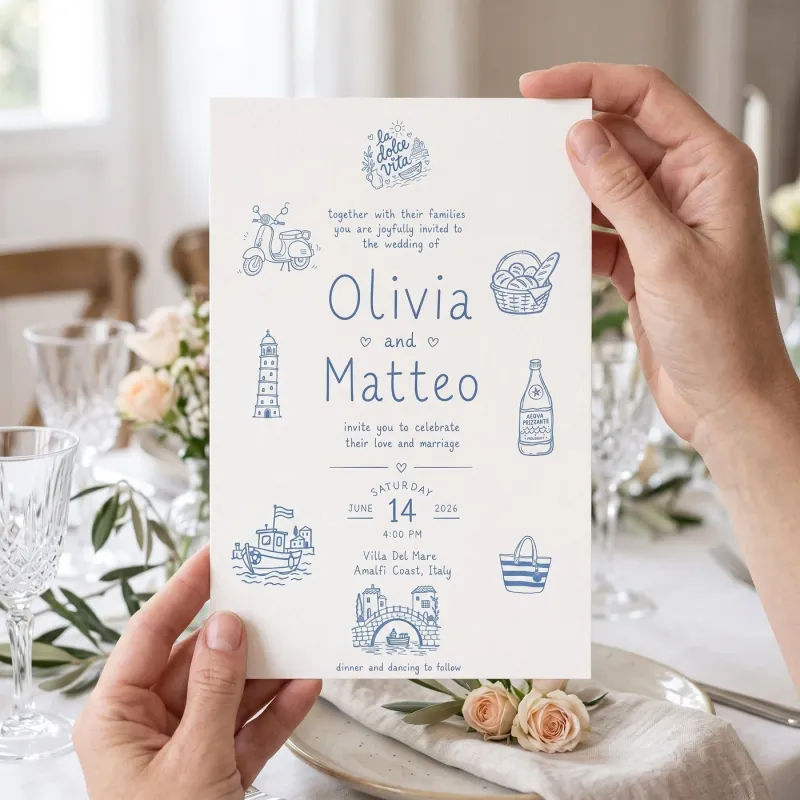
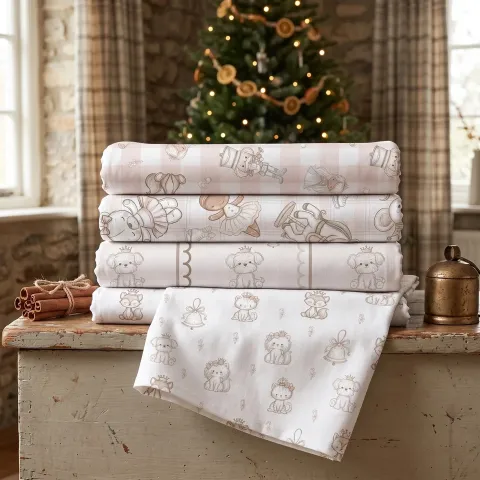
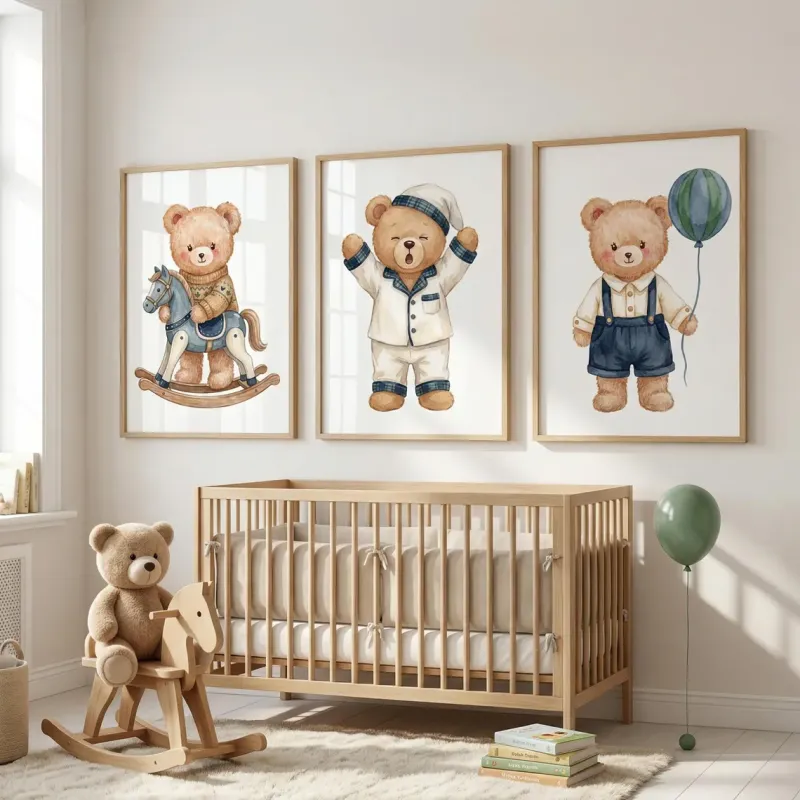
Upload your design, pick a product from the catalogue and set the scene: a theme such as Christmas, Wedding or Boho baby, Indoor or Outdoor, and a Flat lay, Front or Angled camera. Already own styled mockup photos or PSDs? Smart Mockups puts each new design on all of them at once.
The problemA file looks fine on screen, then prints blurry or arrives with a white box around it.
#2
In the studio
Print files,ready to send.
Upscale small artwork for print, remove the background for a transparent PNG and set 300 DPI on a whole batch. Change DPI is free, runs in your browser and only changes the DPI value, so the pixels stay as they are.
The problemNew listings wait because making the artwork takes days.
#3
In the studio
Art forthe next listing.
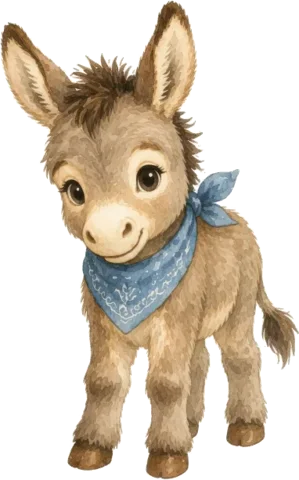
Describe the clipart or illustration you want in Image Creator and keep the results you like. On paid plans, write options in braces, like watercolour {fox, deer, owl}, and each option runs as its own prompt. Selling invitations or colouring pages? Invite Creator starts from the occasion, and Colouring Book Creator from a photo or a topic.
The problemThe video slot on a listing stays empty, because filming a product needs a setup you don't have.
#4
In the studio
A listing videofrom one image.
GIF Maker turns a prompt or your own artwork into a short loop: say what should move, then pick the frames, speed and shape. Etsy doesn't take GIFs as listing videos, so choose Video for Etsy when you download and you get an MP4 ready to add.
Lists of Etsy seller tools mix keyword apps, bookkeeping and photo editors. This is the part Mockably does: everything that has to exist before you press Publish, in the order you need it, with what Etsy asks for at each step.
1Make the art
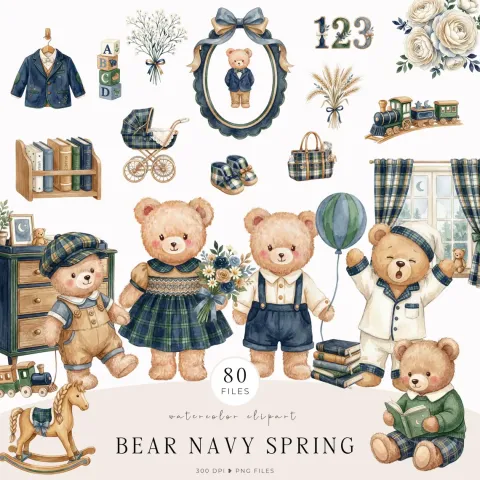
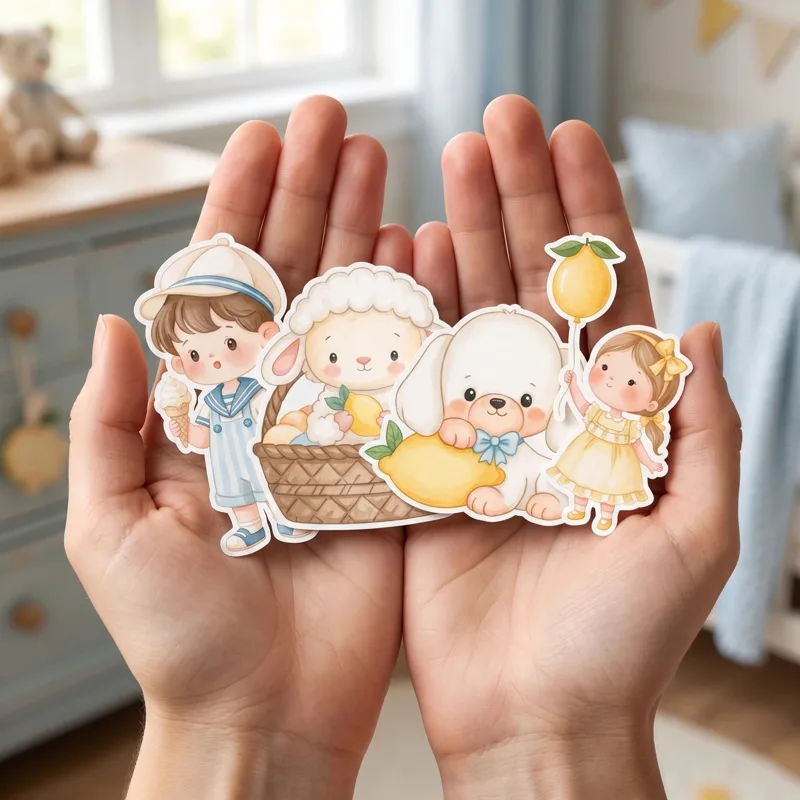
Image Creator turns a written description into clipart, illustrations and designs, and every result has Remove background and Upscale one click away. Invite Creator starts from the occasion, from weddings and baby showers to graduations and retirement parties, and your own clipart is optional. Colouring Book Creator draws pages from a photo or a topic in styles like Preschool, Kawaii chibi or Detailed line art. Seamless Studio turns motifs into repeat patterns and digital paper.
Background Remover gives you transparent PNGs at the original pixel size, a whole batch at a time. Image Upscaler adds pixels when art is too small to print, and Change DPI sets 300 DPI on a batch for free, in your browser, without touching the pixels. The PNG to SVG Vectorizer makes cut files from PNG, JPG or WebP, and Colourways recolours a whole set on Pro and Studio.
Etsy recommends listing photos at least 2,000 px on each side, and your first photo shows as landscape or square in search, so keep the product in the middle. Product Mockups makes scenes at 2K on every plan and 4K on Pro and Studio. Smart Mockups, from Pro, puts up to 8 designs on your own mockup photos and PSDs in one bulk run, made on your device with no credits. Clipart Badge letters a collection title for the cover, and Design Studio lays out the pages for what's included, sizes and the licence.
Each Etsy listing takes one video, 3 to 15 seconds long and up to 100 MB, and GIF isn't an accepted format. GIF Maker makes a looping clip from a prompt or your artwork and saves it as an MP4 when you choose Video for Etsy. Design Studio exports MP4 too, for an animated cover or a page from your set.
Etsy already handles your orders, payments, shipping labels, stats and ads, and Mockably doesn't try to replace any of that. It covers the making, so the listing you open on Etsy already has its files, photos and video waiting.
“It's a huge timesaver because your artwork is applied as the mockup is generated, rather than needing to download a mockup and add your design afterwards.”
Sandra, Stationery seller on Etsy
Questionssellers ask.
What Etsy seller tools does Mockably include?
Tools for every job before you list. Image Creator, Invite Creator, Colouring Book Creator and Seamless Studio make the art. Background Remover, Image Upscaler, the PNG to SVG Vectorizer, Change DPI and Colourways finish the files. Product Mockups, Smart Mockups, Custom Mockups, Mockup Merge, Clipart Badge and Design Studio make the listing photos, and GIF Maker makes the listing video.
What size should Etsy listing photos be?
Etsy recommends at least 2,000 px on each side, and the first photo shows as landscape or square in search results. Product Mockups makes 2K images on every plan and 4K on Pro and Studio, and Image Upscaler enlarges anything that comes out smaller.
Can I make an Etsy listing video here?
Yes. GIF Maker turns a prompt or your own image into a short loop, and Video for Etsy saves it as an MP4. Etsy allows one video per listing, 3 to 15 seconds long and up to 100 MB, and it doesn't accept GIFs as listing videos. GIF Maker is included from the Starter plan.
Can I use the mockups as Etsy listing photos?
Yes. The mockups you make are yours to use in your shop, in ads and on social media, and they have no watermark.
Can I sell what I make with these tools?
Yes, on every plan, Free included. Commercial use is subject to the rights and licence terms of any source material you choose to use, so only upload art you made or have a licence for.
Does Mockably redraw my artwork?
Product Mockups puts your design on the product and generates the scene around it, so check each result before you post it, as the AI can change small details. Smart Mockups places your design on your own photo without redrawing it, and Mockup Merge applies it to a mockup photo you already have and keeps its light and shadows.
Can I make mockups for a product that isn't in the catalogue?
Yes. Custom Mockups starts from your own product photo, so a candle, a jewellery box or any niche product can get its own scene, with your design added if you want one.
Is Mockably free to try?
Yes. There is a free plan, and new accounts get 20 free credits without a credit card. Paid plans add more credits and storage; the pricing page lists what each plan includes.

 #1Create