How to make digital downloadsfor Etsy, in one studio.
Make the design, export a file that prints sharp, then show buyers what they'll get. Printables, invitations, clipart, planners and colouring pages all go through those steps, and Mockably does each one in the same studio.
The problemEach new invitation design starts from a blank page.
#1
In the studio
From occasionto invitation.
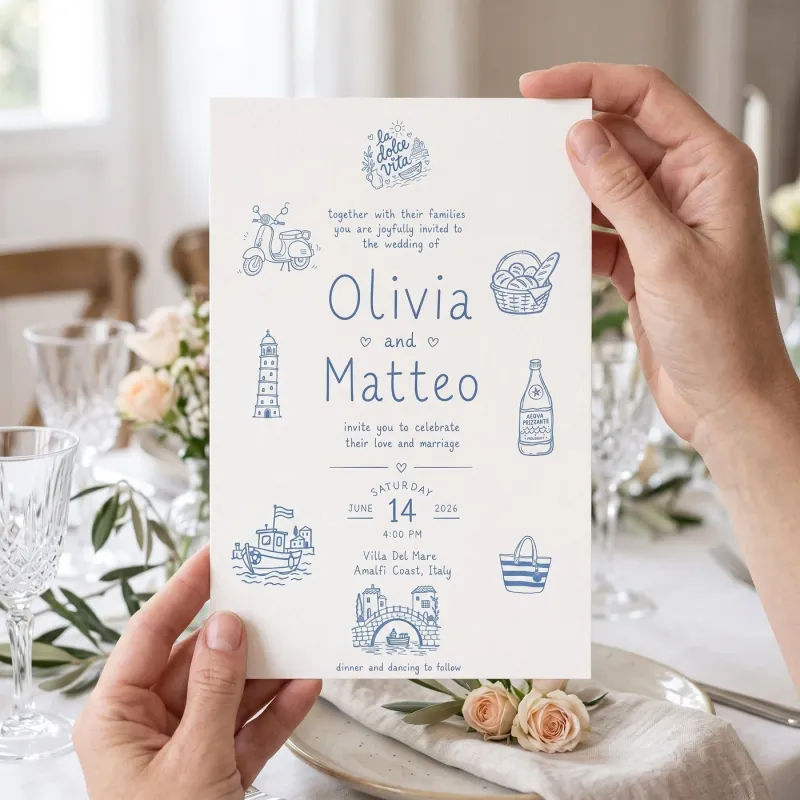
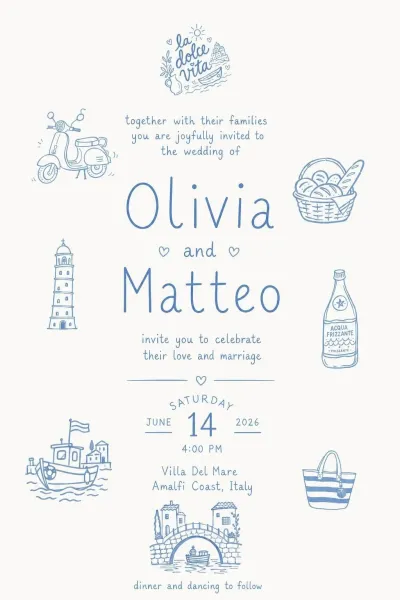
Pick the occasion first from a searchable list: wedding, baby shower, kids birthday, baptism or christening, graduation, housewarming and many more. Add your own clipart, let the AI build on it, or start with none. Choose square, portrait or landscape, type your details and press Create invite. Edit invitation changes the wording or layout from a sentence.
The problemA buyer prints at home and the result looks soft.
#2
In the studio
Files thatprint sharp.
Upscale artwork before you export it, so it has enough pixels for the print size: at 300 DPI, an 8 × 10 in print needs 2400 × 3000 px. Then set 300 DPI on the whole set. Change DPI is free, runs in your browser and leaves the pixels as they are.
The problemBuyers can't picture a printable from a flat preview.
#3
In the studio
Show theprinted result.
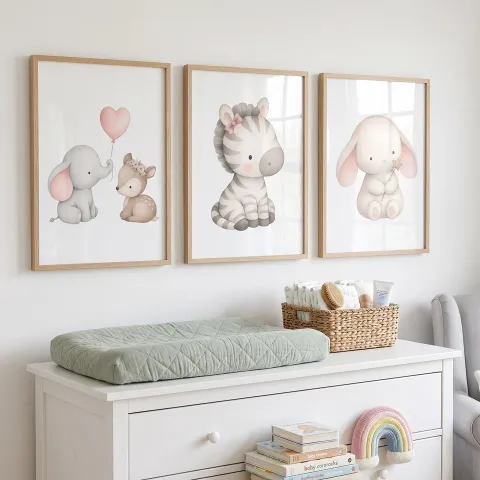
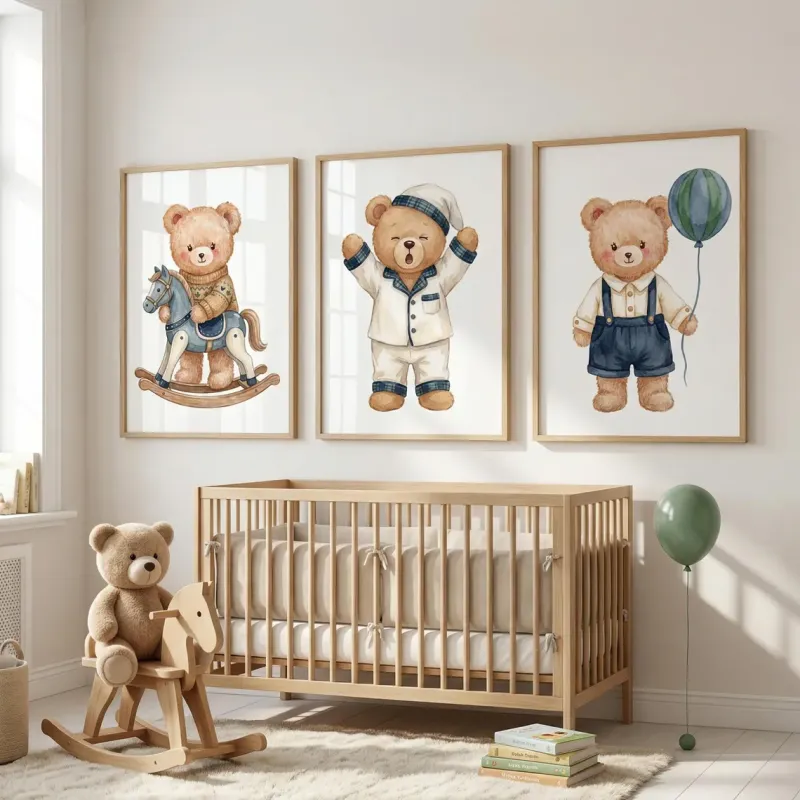
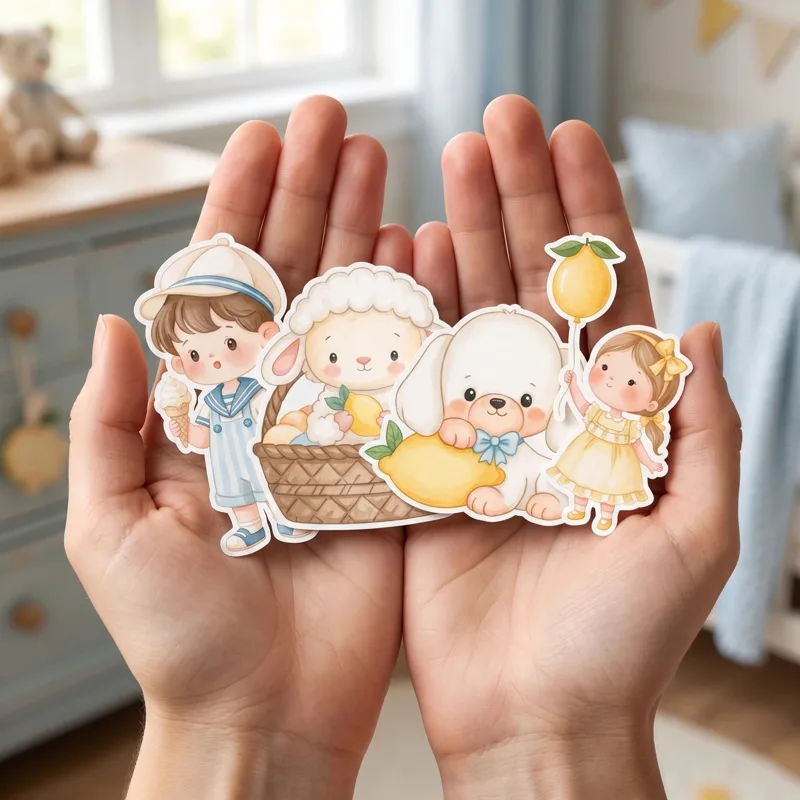
Turn a printable into a photo of the finished thing: an invitation in someone's hand, wall art in a nursery, a card on a table. Pick the product from the catalogue and set the scene, put the design on your own mockup photos with Smart Mockups, or make blank product photos to sell as mockup templates.
Then list it. When you create the listing on Etsy, choose Digital files as the item type and attach your finished files.
Selling digital downloads on Etsy, start to finish.
Every digital download goes through the same five steps, whether it's a single wall print or a full planner. Here is each step, with the file facts that matter and the tool that does the work.
1Choose what to make
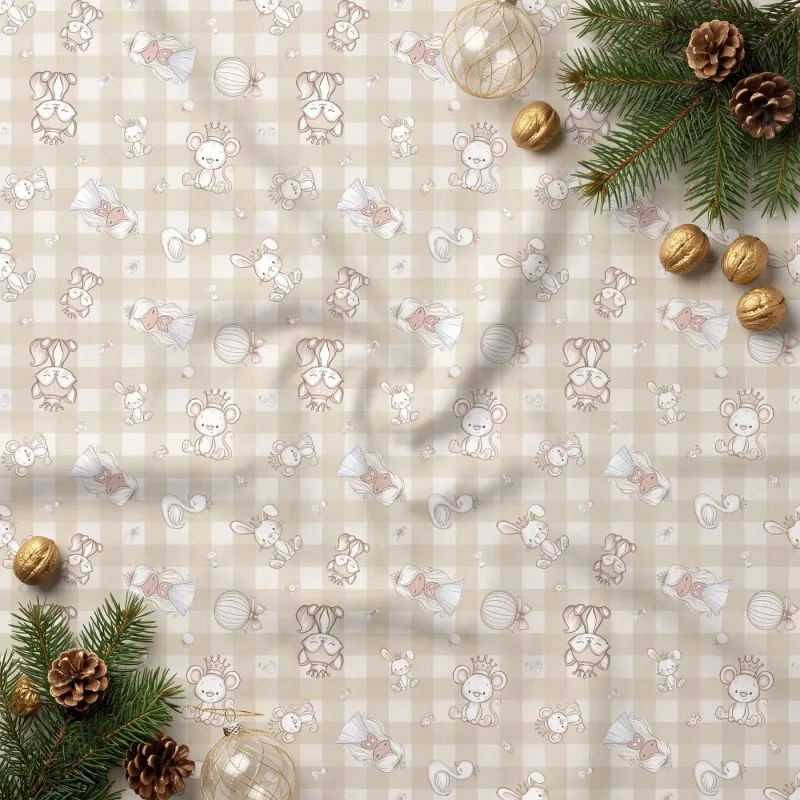
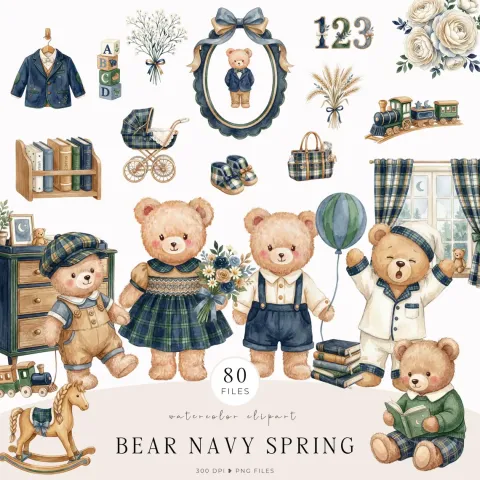
Common digital downloads on Etsy include clipart sets, printable wall art, invitations and cards, planners and journal pages, colouring pages, digital paper and seamless patterns. You can make each of them here: Image Creator for clipart and art, Invite Creator for invitations, Colouring Book Creator for single pages or whole books, Seamless Studio for patterns and paper, and Design Studio for planners, journals and printable layouts.
A printable needs enough pixels for the size it prints at. Multiply inches by 300: an 8 × 10 in print needs 2400 × 3000 px, and an A4 page 2480 × 3508 px. Image Upscaler adds pixels to small art, and Change DPI sets 300 DPI on a whole set without changing a pixel. Planners and invitations work best as PDFs: Design Studio exports a 300 DPI PDF with optional bleed, and Colouring Book Creator gives you a PDF fitted to A4 or US Letter.
Clipart and stickers need transparent PNGs, with no white box behind the art. Background Remover cuts out a whole batch at the original pixel size. Add SVG versions with the PNG to SVG Vectorizer for buyers with cutting machines, and offer a second palette with Colourways on Pro and Studio. Name every file clearly, so buyers know what's inside before they unzip it.
Etsy's Help Centre says a digital listing can hold up to five files, each up to 20MB. A big set fits better as a few ZIP files, split by theme or size, and several tools here already download a batch as one ZIP. Add a short PDF with the licence and a line on how to use the files, so buyers don't have to message you to ask.
5Make the listing photos and video
Etsy recommends photos at least 2,000 px on each side, and the first one shows as landscape or square in search. Show the printed result with Product Mockups or on your own photos with Smart Mockups, letter the collection title with Clipart Badge and lay out what's included with Design Studio. Then fill the video slot: GIF Maker saves a short loop as an MP4, and Etsy takes one video per listing, 3 to 15 seconds long.
“Mockably will be a game changer for any digital seller.”
Kelly, Party printables seller on Etsy
Questionssellers ask.
How do I make digital downloads for Etsy?
Make the design, check it has enough pixels for its print size at 300 DPI, and export it as PNG, JPG or PDF. Cut clipart out as transparent PNGs, package the files, then make listing photos that show the printed result. Each step has a tool in Mockably, from Image Creator and Invite Creator to Change DPI and Product Mockups.
What digital downloads can I make with Mockably?
Printable wall art, invitations and cards, clipart sets, planners and journal pages, colouring pages and books, digital paper, seamless patterns and blank mockup templates, plus the mockups and videos you use to list them.
What DPI should printables be?
300 DPI is the usual standard for printing. Change DPI sets it on a whole batch and only changes the DPI value, so the pixels stay the same. If an image is small for its print size, upscale it first.
How big can the files in an Etsy digital listing be?
Etsy's Help Centre says you can attach up to five files to a digital listing, each up to 20MB. Check the current limits there before you export a large set.
Do I need Photoshop to make printables?
No. Every tool works in your browser: upload or describe what you want, pick the options and download the file. Design Studio has templates for planners, invitations, wall art and digital paper if you'd rather not start from a blank page.
Can I sell digital downloads made with AI?
Yes. Our terms let you use what you make, including commercially, on every plan, subject to the rights of others in anything you upload. We can't promise an AI result is unique, so add your own touch, and check Etsy's current rules on AI-made items before you list.
Can I sell the mockups I make as templates?
Blank Mockups is made for that. It creates product photos with no design on them, and its results are cleared for commercial use, including selling them as mockup templates.
Is Mockably free to try?
Yes. There is a free plan, and new accounts get 20 free credits without a credit card. Paid plans add more credits and storage; the pricing page lists what each plan includes.
 #1Design