Make an image with AI
Describe it in a few words and Image Creator makes it.
1 min read
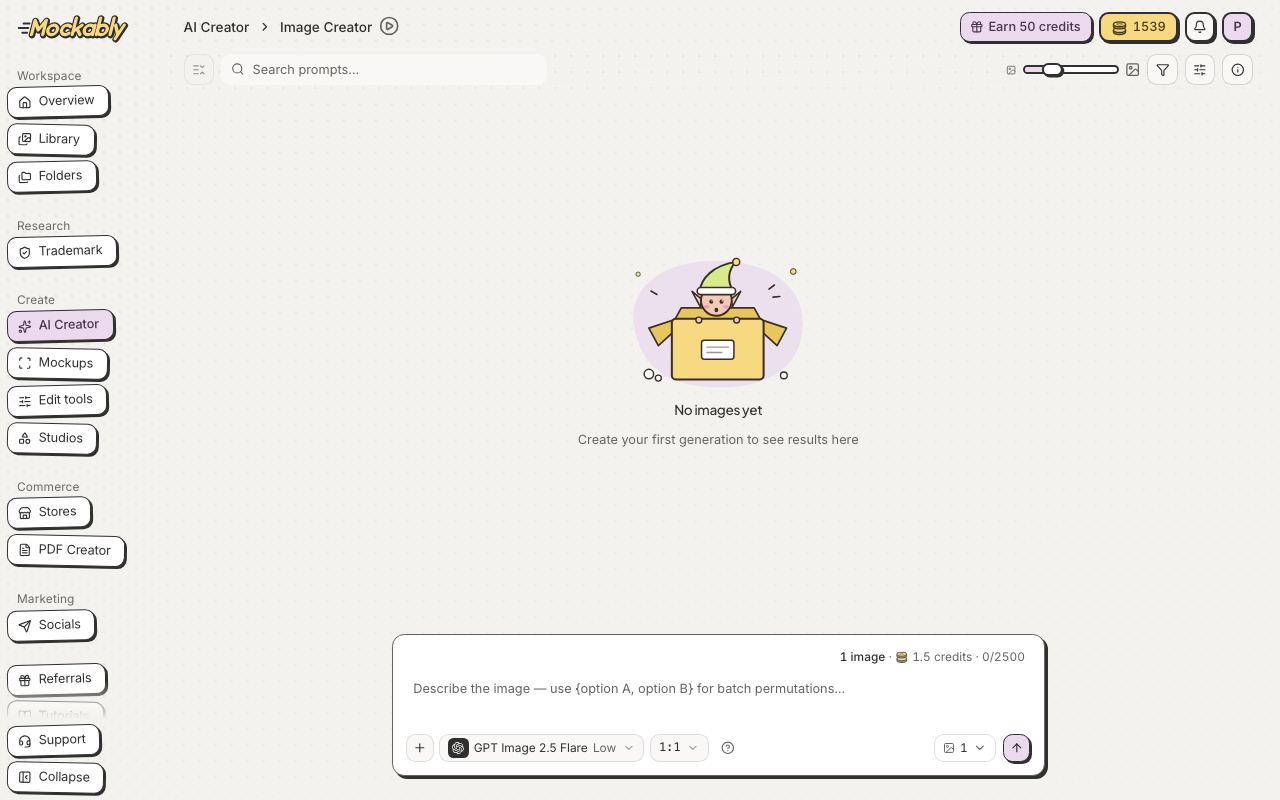
- Click AI Creator in the menu, then Image Creator.
- Describe what you want in the box at the bottom, for example "watercolour bunny clipart, white background".
- Pick a model and quality if you like. Click the star next to a model to make it your default. The Generate button shows the cost.
- Click Generate. Your images appear here and in Library.
Want several versions in one go? Put the choices in curly brackets, like watercolour {fox, bunny, bear} clipart. That is called a permutation: see Make many versions at once with permutations.