Make many versions at once with permutations
Write one prompt with {fox, bunny, bear} and Image Creator makes one image for each word.
1 min read
A permutation turns one prompt into several. Put the words you want to swap inside curly brackets, separated by commas. Image Creator makes one version for each word, all in one run.
- You type
- watercolour {fox, bunny, bear} clipart, white background
- You get
- watercolour fox clipart, watercolour bunny clipart and watercolour bear clipart: 3 prompts in one run
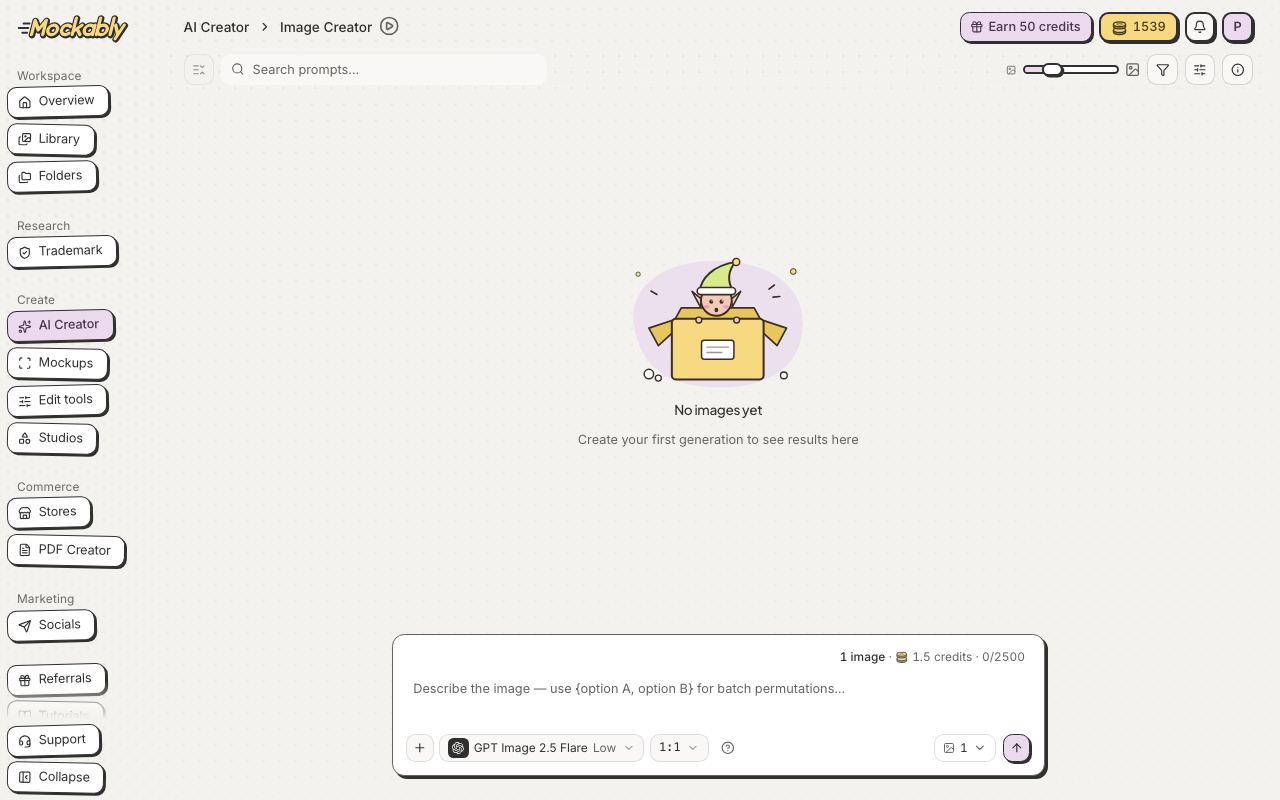
- Click AI Creator in the menu, then Image Creator.
- Type your prompt and put the choices in curly brackets, for example {pink, mint, lilac}.
- Check the Generate button: it counts every version, so it shows the cost for all of them.
- Click Generate. Each version appears here and in Library.
- Free
- Not included
- Starter
- Up to 4 versions in one run
- Pro
- Up to 10 versions in one run
- Studio
- Up to 30 versions in one run