Add text, fonts and elements
Headings, font pairs, text effects, shapes, frames and stickers.
1 min read
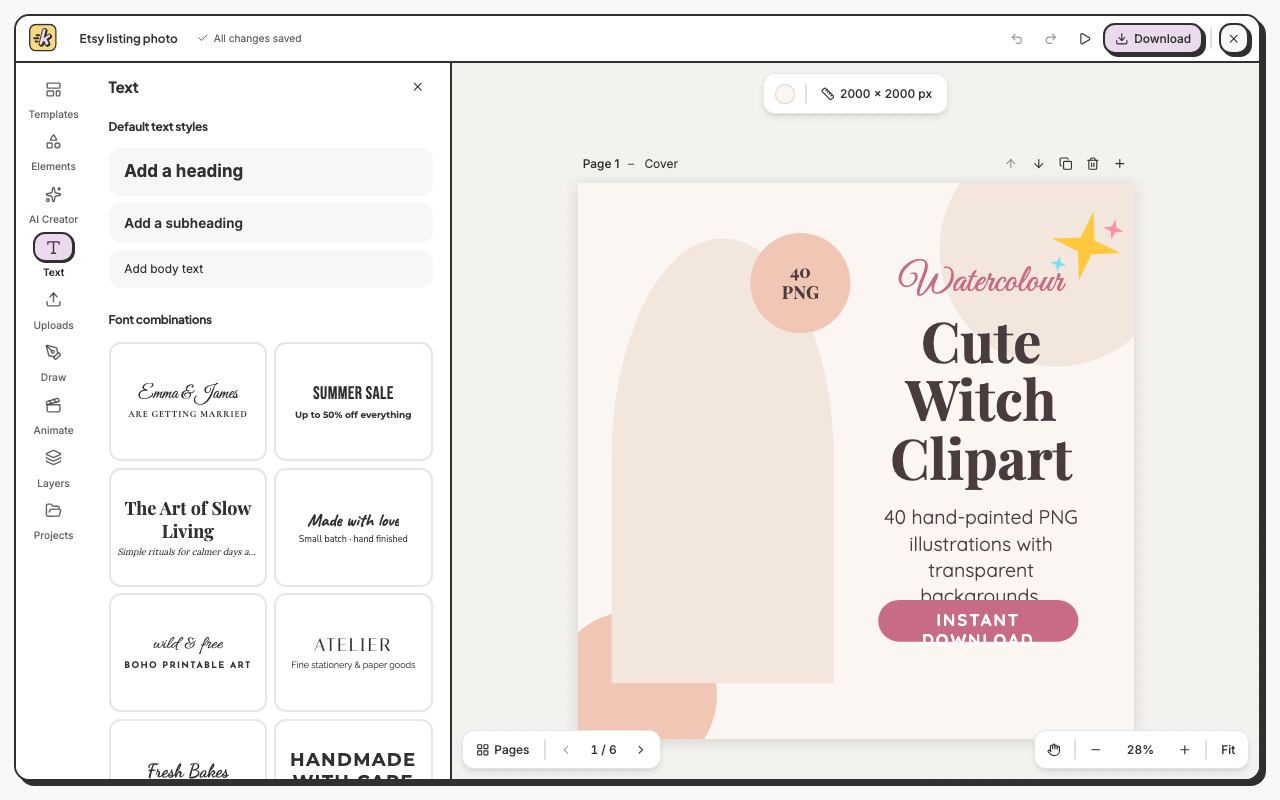
- Click Text, then click Add a heading or one of the Font combinations.
- Type your words on the page.
- Select the text to change its font, size and colour in the bar above the page.
- Open Effects for Drop shadow, Glow, Sticker edge, Neon or Curve.
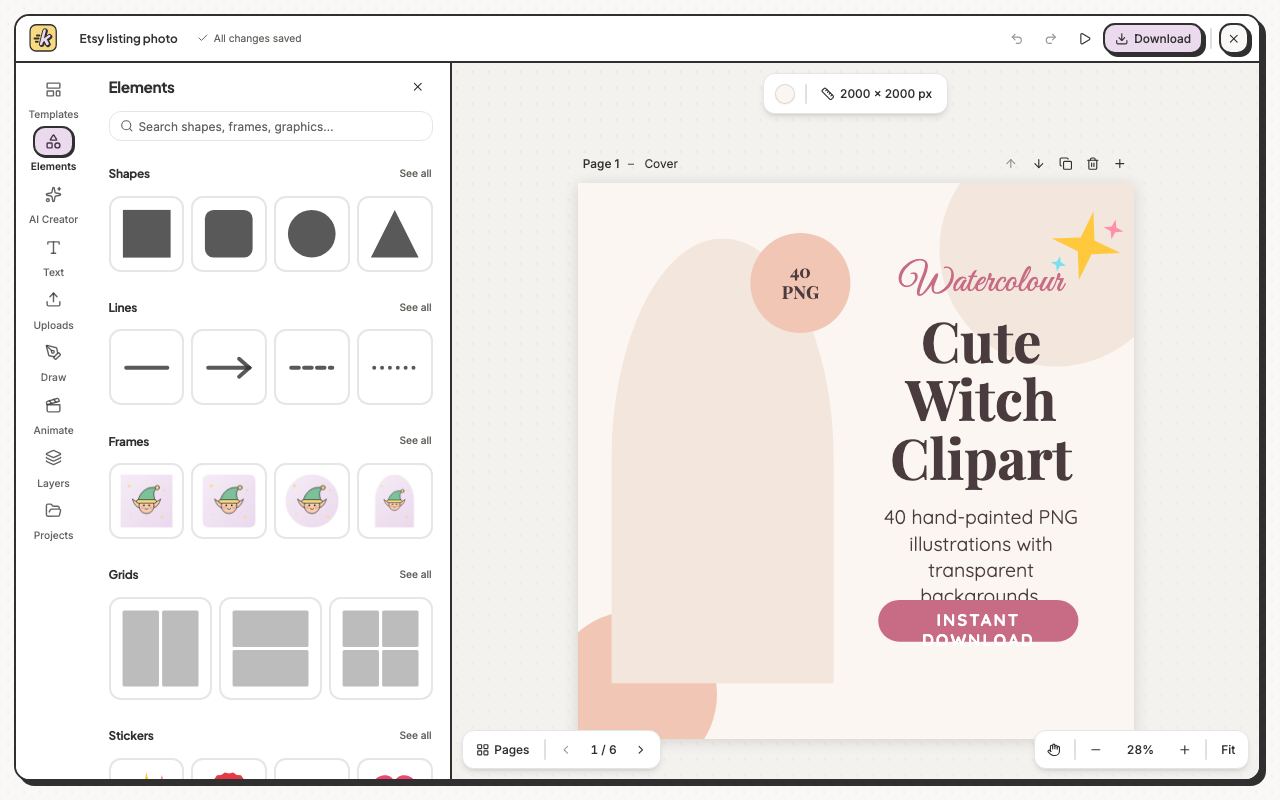
A frame or a grid holds a picture: drop an image onto it and it fills the shape. Search at the top finds shapes, frames and graphics by name.