Choose your Overview widgets
Show up to 8 widgets, in the order you like.
1 min read
Your Overview is made of widgets: your credits, your daily credits, Calendar at a glance, Coming up, your shop and more. You choose which ones show.
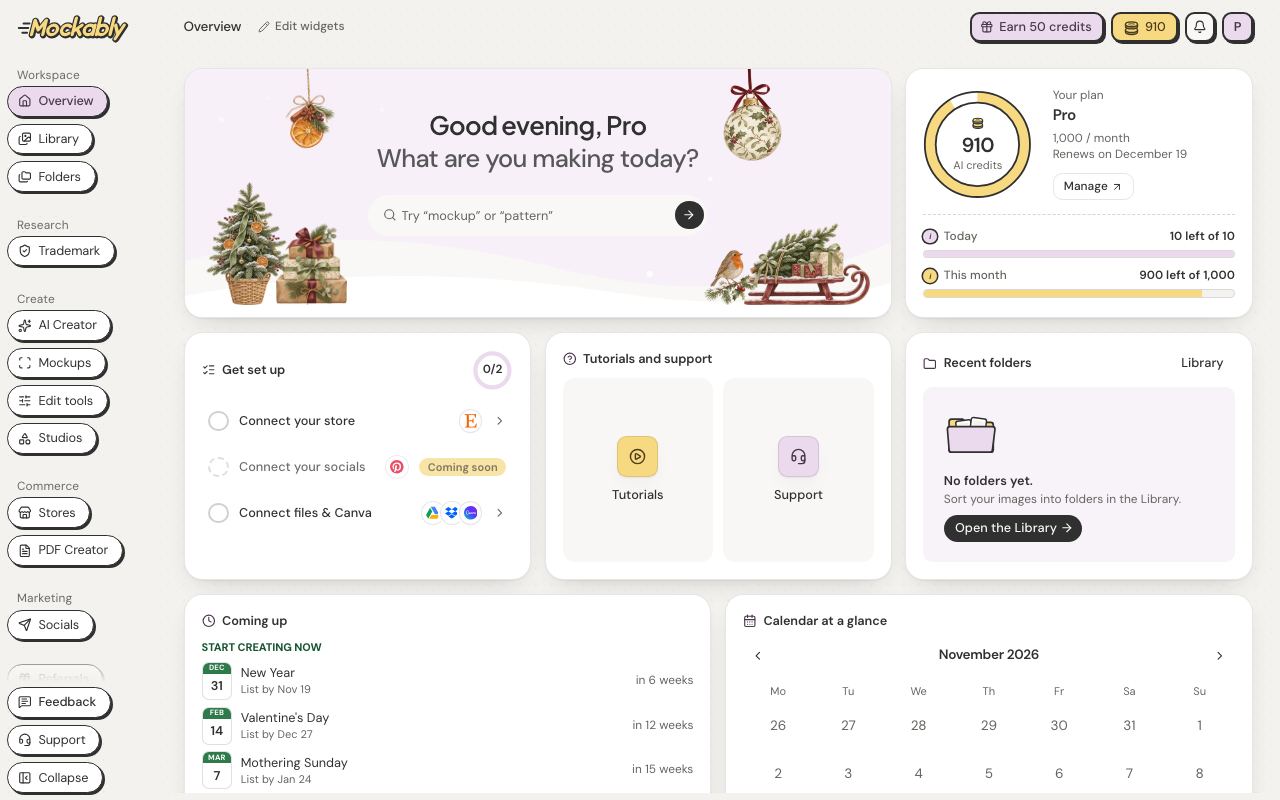
- Click Edit widgets next to Overview at the top.
- Click the X on a widget to remove it. To show one, click its name under Add a widget.
- Drag a widget by its handle to move it.
- Click Done. Your Overview stays this way, on every device.
Calendar at a glance marks your shop's days. A square is a listing and a round dot is a Pin. Filled means it is live on Etsy or published on Pinterest; an outline means it is scheduled. Click a day to see what is on it.
The My shop widget shows your sales for the last 30 days. Gross sales counts your item prices before discounts. Net sales is what is left after discounts and refunds, plus shipping.