Make your first mockup
Turn your design into a product photo in a few clicks.
1 min read
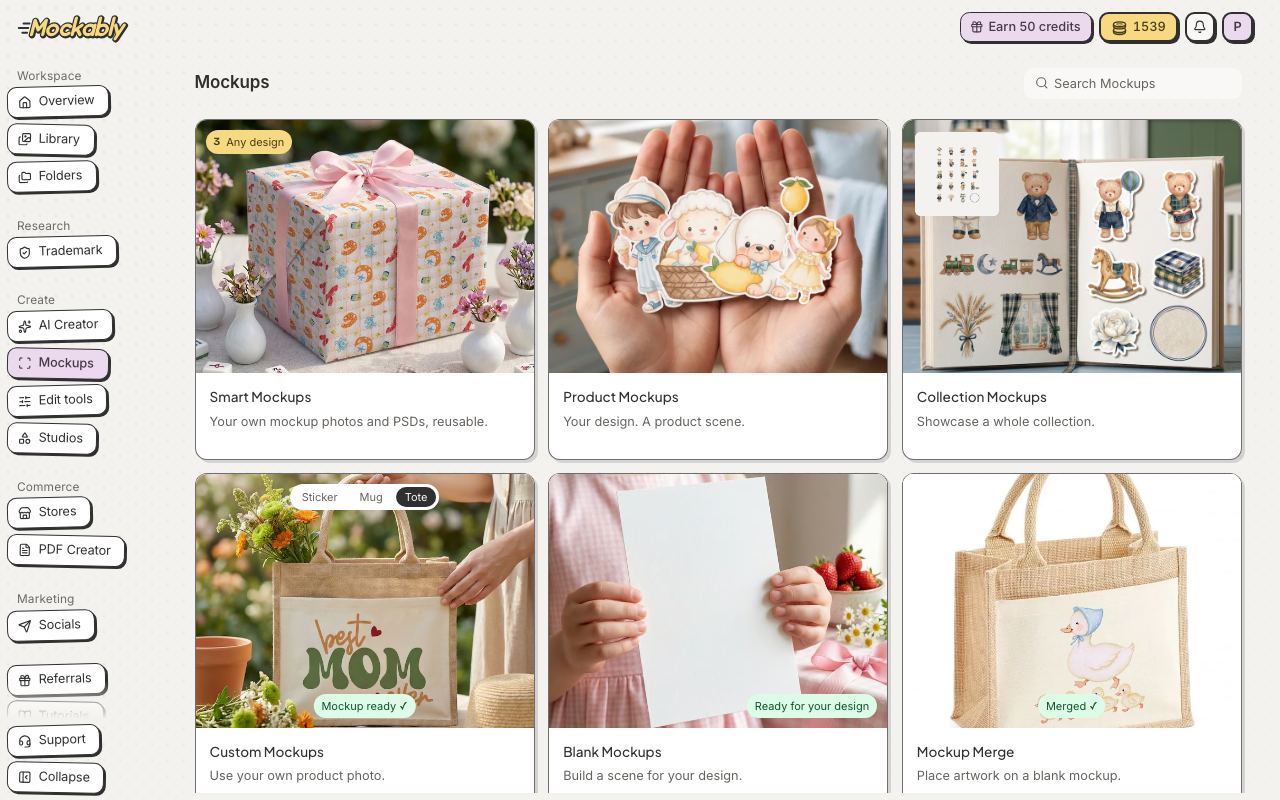
A mockup shows your design on a real product, like a card on a table or a print on a wall. Here is how to make one.
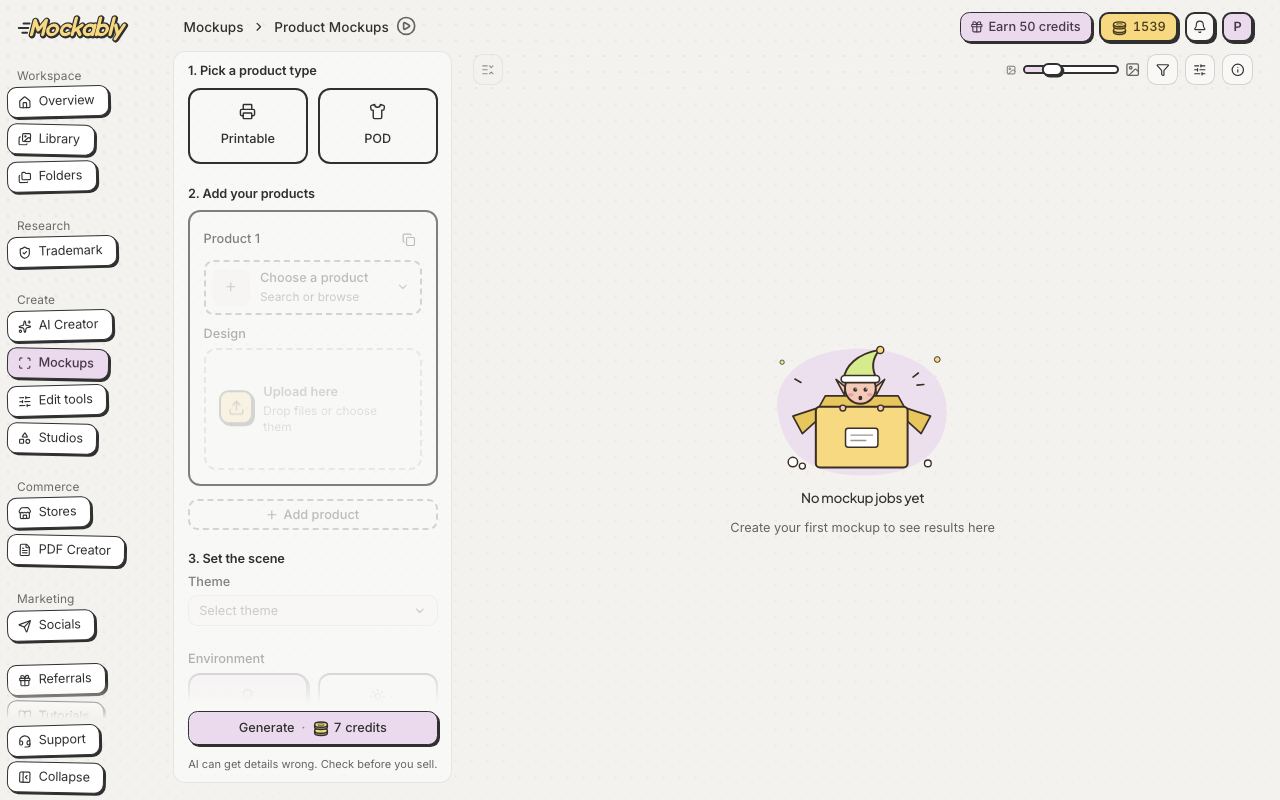
- Under Pick a product type, choose Printable (cards, prints) or POD (t-shirts, mugs, bags).
- Pick your product, then drop your design in the Upload here box.
- Under Set the scene, choose a Theme and an Environment (Indoor or Outdoor).
- Click Generate. Your mockup appears on the right in a moment, and in Library.