Suggest ideas and vote
Tell us what to build next and vote for the ideas you want most.
1 min read
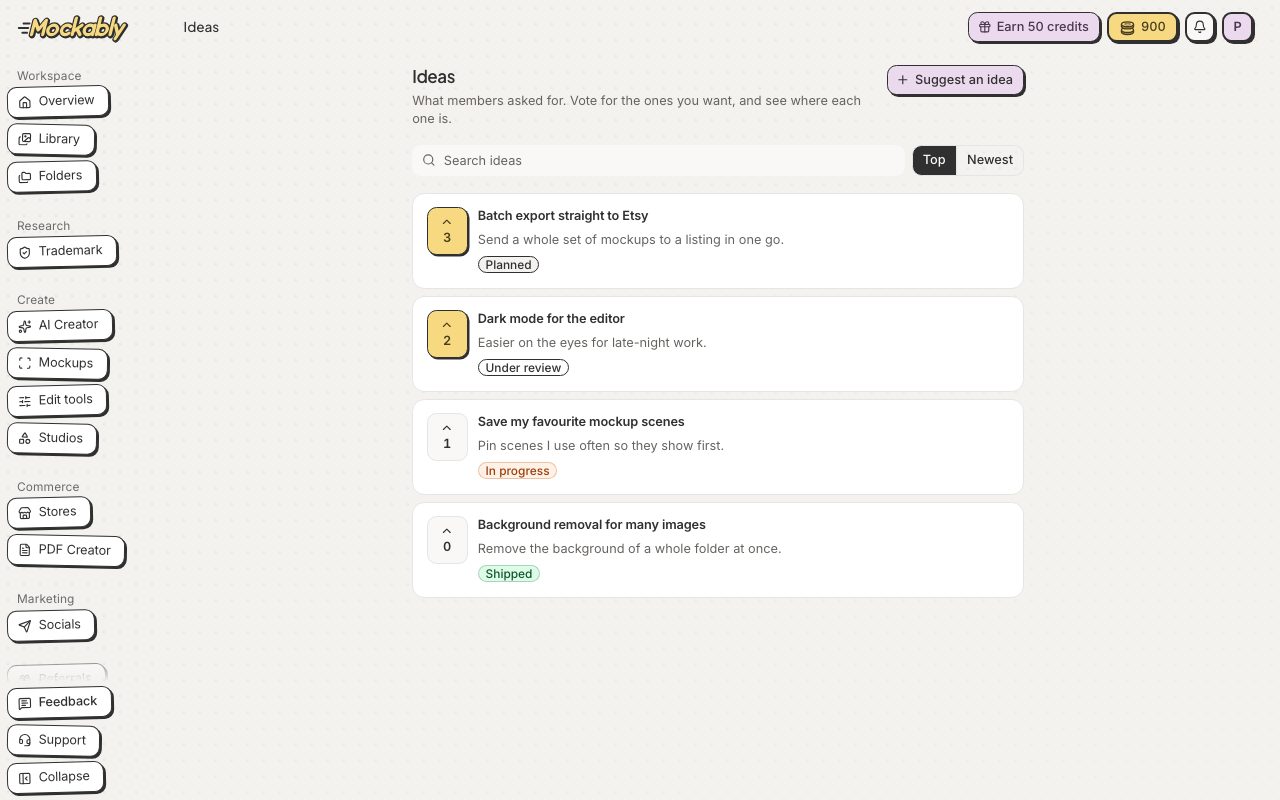
- Click Feedback in the menu, then Ideas board.
- Click the arrow next to an idea to vote for it. Click it again to take your vote back.
- Don't see your idea? Click Suggest an idea, give it a short title and say why it would help.
- Click Send idea. The team reviews it first; until then only you can see it.
When an idea you voted for is ready, you get a message in your notifications with a link to try it. Shipped ideas on the board have a Try it link too.