Tips and news by email
Choose whether we email you about new tools and ideas, and change it any time.
1 min read
After the welcome tour, Mockably asks once: Want tips and new features by email? These are short emails about new tools, ideas for your shop and the occasional offer: about one a day in your first week, then up to 3 a week. Click Yes, email me or No thanks.
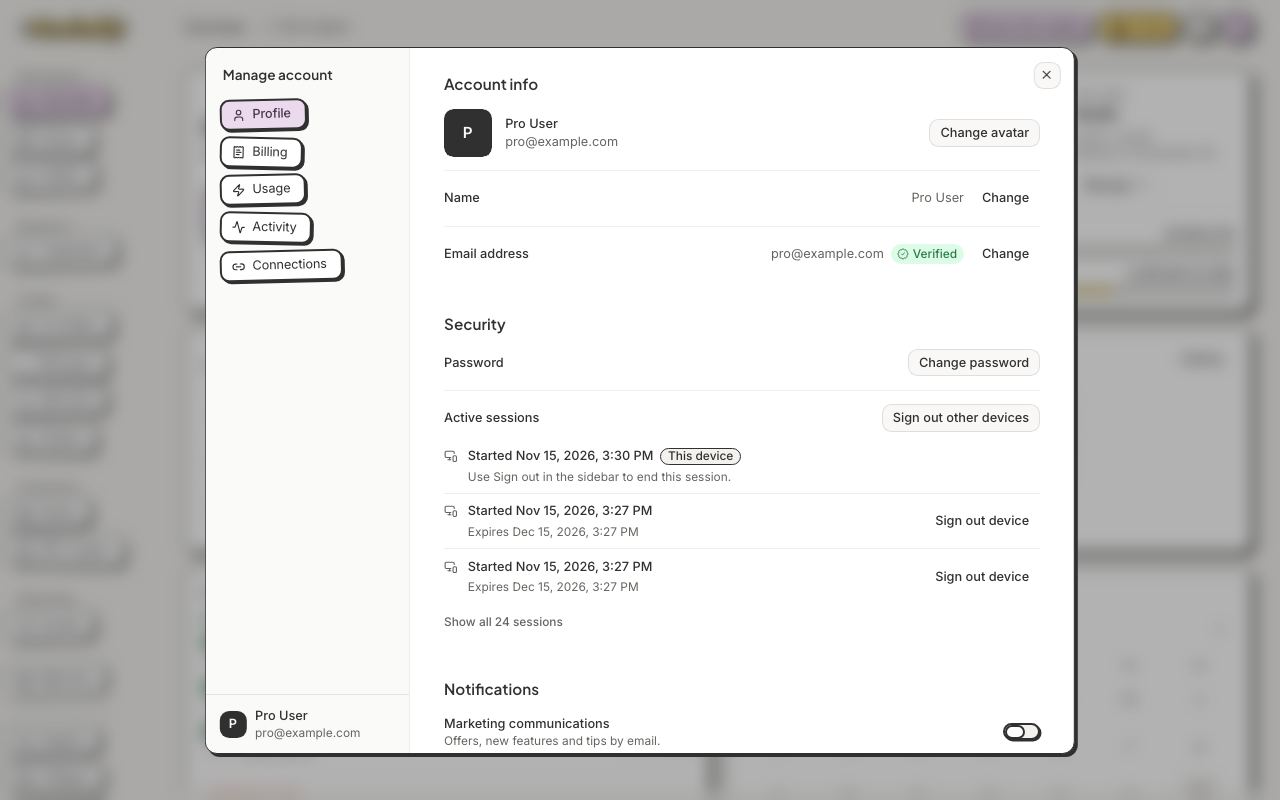
- Click your avatar, then Manage account.
- On Profile, find Notifications.
- Turn Marketing communications on or off.