Delete my account
What happens, and how to come back.
1 min read
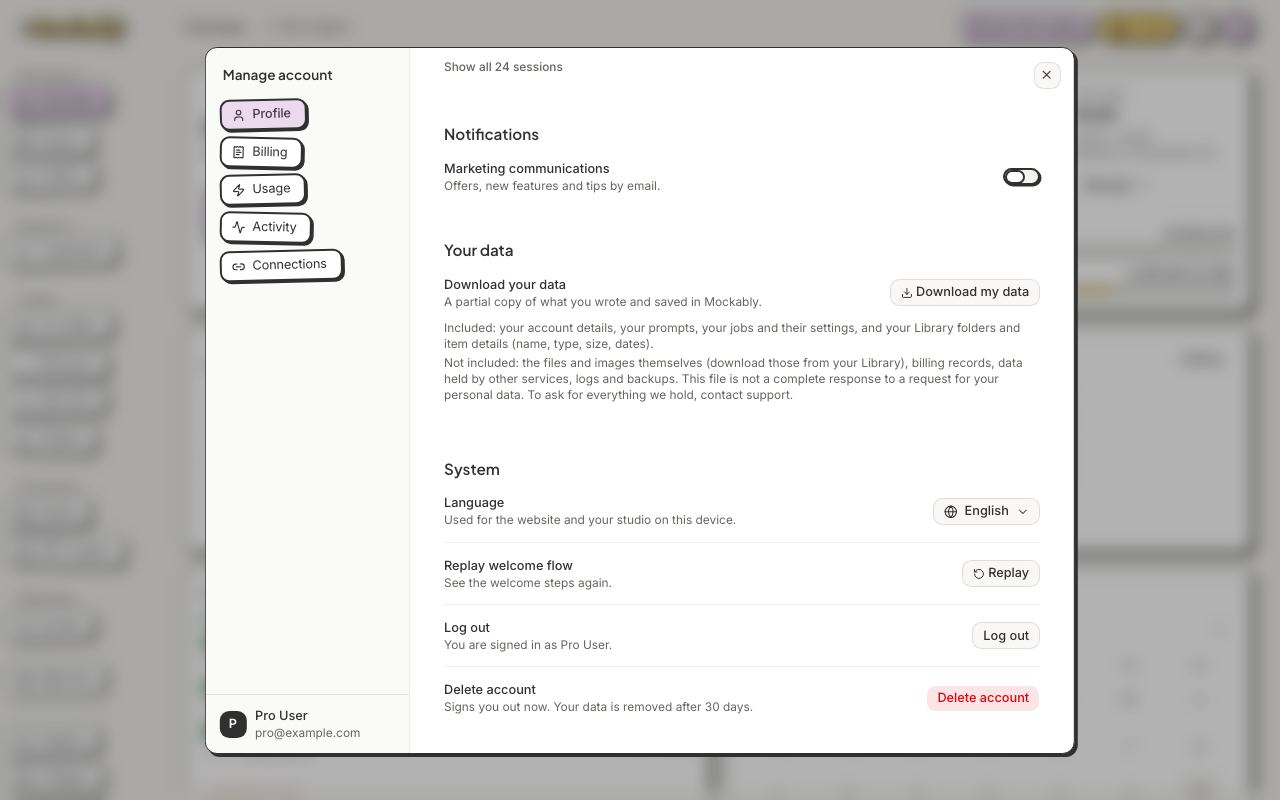
- Click your avatar, then Manage account.
- Scroll to the bottom and click Delete account.
- In Delete your account?, click Delete account.
What happens, and how to come back.
1 min read
Message the team from Support in the app, or send us a note here. A real person will answer.
20 free credits for new accounts · No credit card · Free plan available