Which languages can I use?
English, Spanish, Portuguese, French and German, and how to switch.
1 min read
Mockably works in English, Spanish, Portuguese, French and German. The first time you open it, it uses your browser's language.
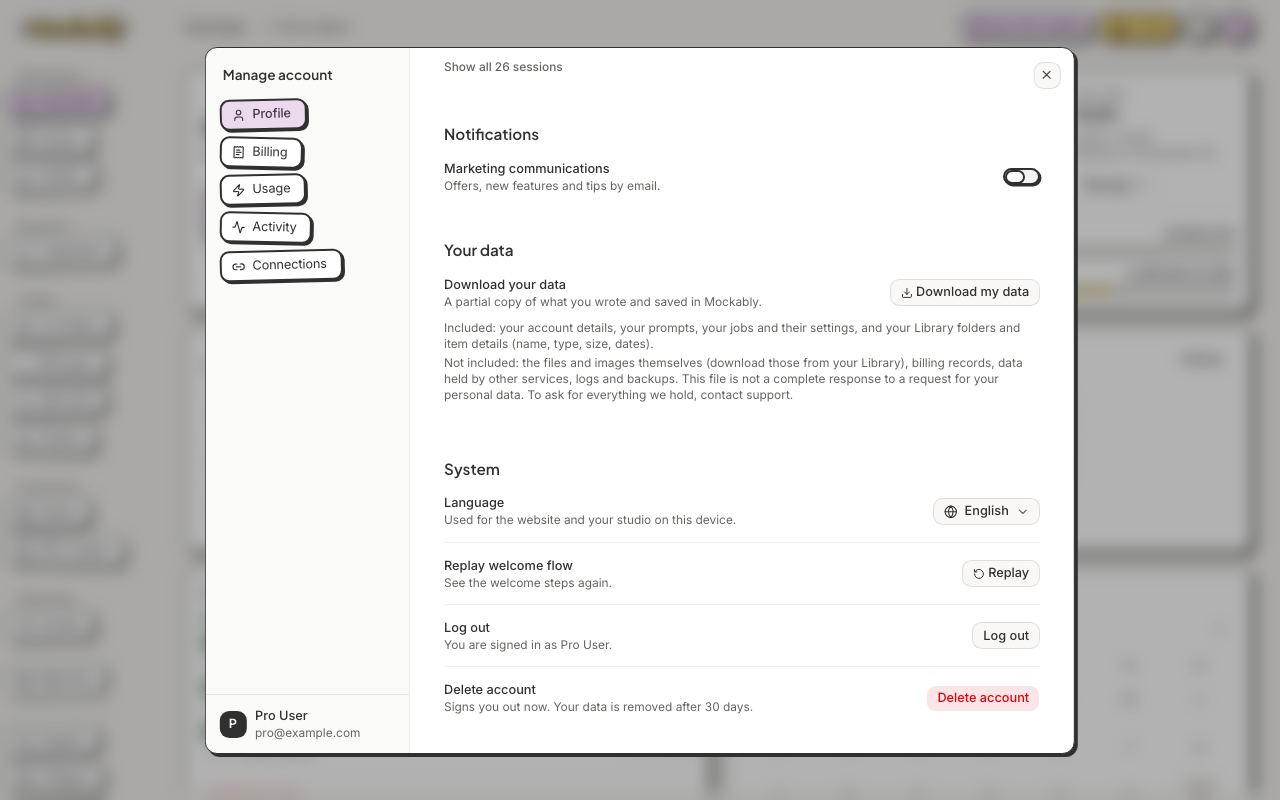
- Click your avatar, then Manage account.
- On Profile, find System.
- Pick your language under Language. The app changes straight away, and remembers it on this browser.
You can write prompts in any language.