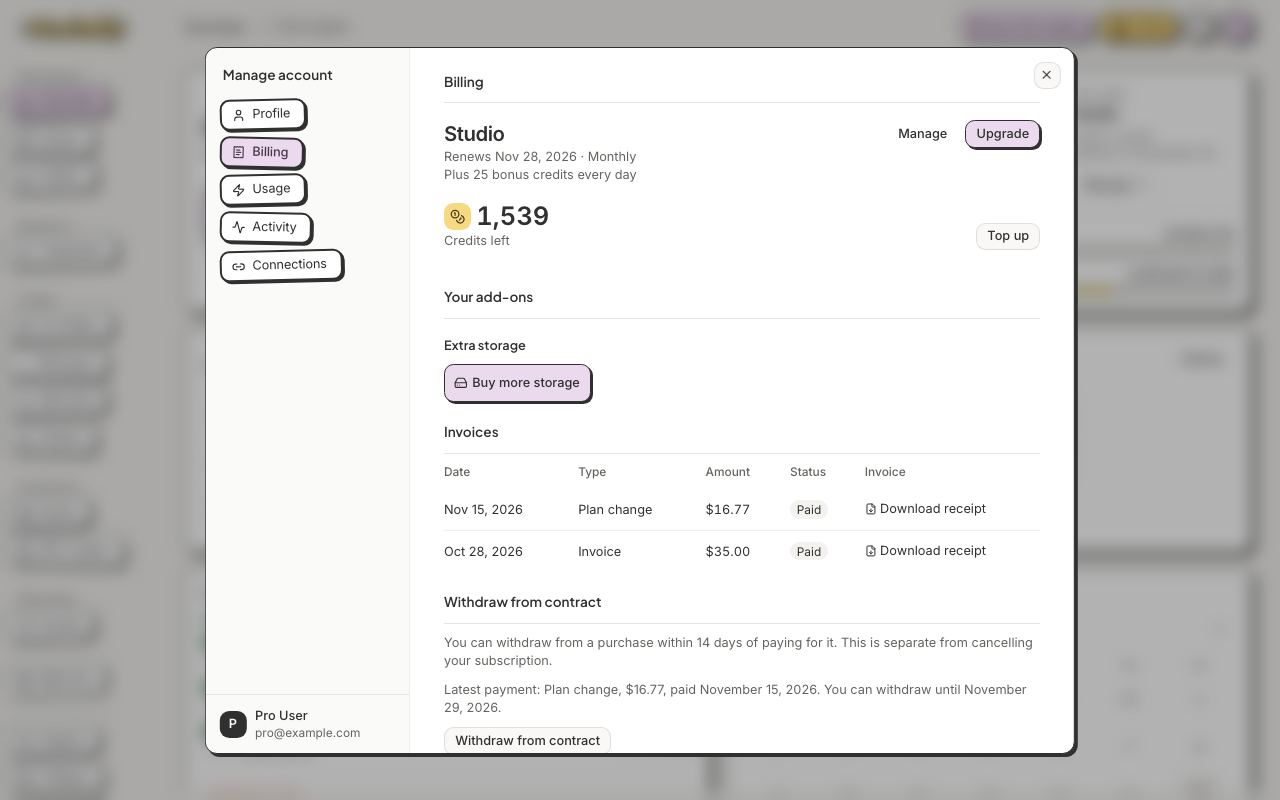
All guidesPlans & creditsUpgrade, downgrade or pay yearlyChange your plan whenever you like.1 min readClick here1Manage account → Billing → Upgrade.Show me1Click your avatar, then Manage account.2Open Billing and click Upgrade.3Pick your plan, then Monthly or Yearly, and click the button at the bottom, for example Change to Pro. To move to a lower plan, click See all plans.