Find your way around Stores
Performance, Listings, Ads, Scheduler and Shop health: what each part of Stores is for.
1 min read
Once your shop is connected, click Stores in the menu. It opens on Performance. The other parts are in the Stores menu on the right, or above the page on a phone.
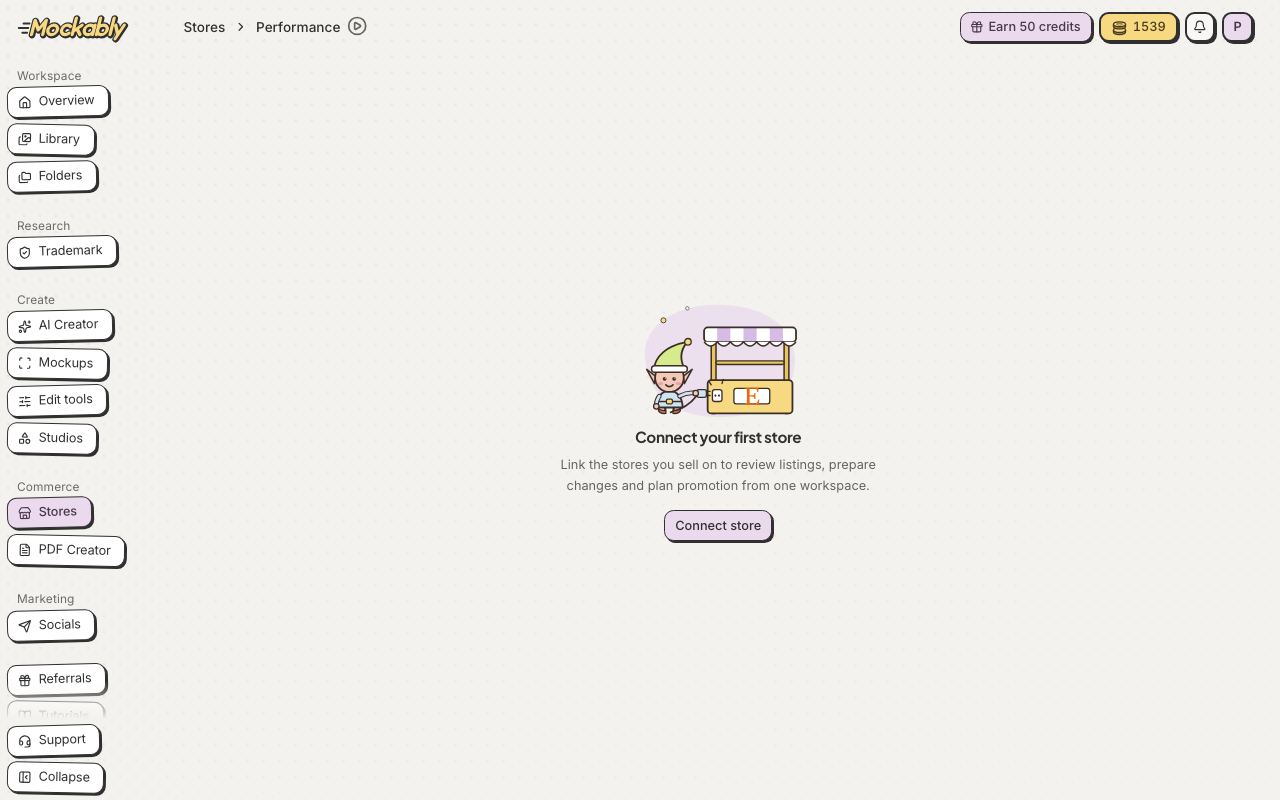
- Performance
- How your shop and listings are doing, and what to improve first
- Listings
- Every listing in your shop. Open one to change its photos, title and tags, then save a draft or publish to Etsy
- Ads
- Your listings worth putting on Etsy Ads, with labels such as Bestseller and Trending, and how to start
- Scheduler
- Changes you planned for later, and when they go live
- Shop health
- Tags, sections and other set-up checks for your shop