Skip to content
All guides
Your shop

Connect your Etsy shop

See your listings, sales and orders in Stores.

1 min read

  1. Click your avatar at the top right, then Connections.
  2. Click Connect Etsy. In Connect a shop, click Connect next to Etsy.
  3. Check what Mockably can see, click Continue to Etsy, then sign in to Etsy and allow access.
  4. Click Stores in the menu, under Commerce, to see your shop.
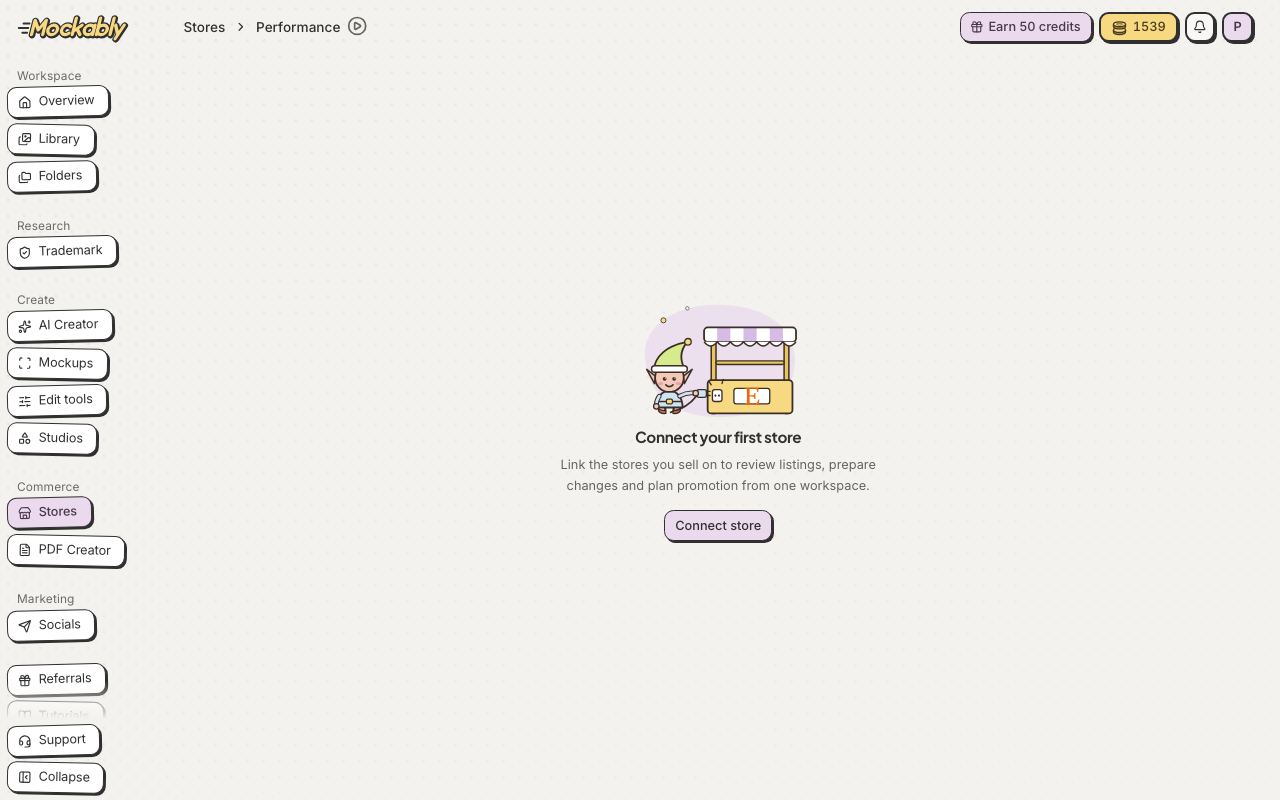
You can also start from Stores: click Connect store. Connecting a shop needs a paid plan.
1You can also start from Stores: click Connect store. Connecting a shop needs a paid plan.Show me
Starter
1 Etsy shop
Pro
Up to 2 shops
Studio
Up to 10 shops

Still stuck?

Message the team from Support in the app, or send us a note here. A real person will answer.

Contact us

Try it on your own designs

Start free

20 free credits for new accounts · No credit card · Free plan available