Sort images into folders
Make folders, add images and drag them around.
1 min read
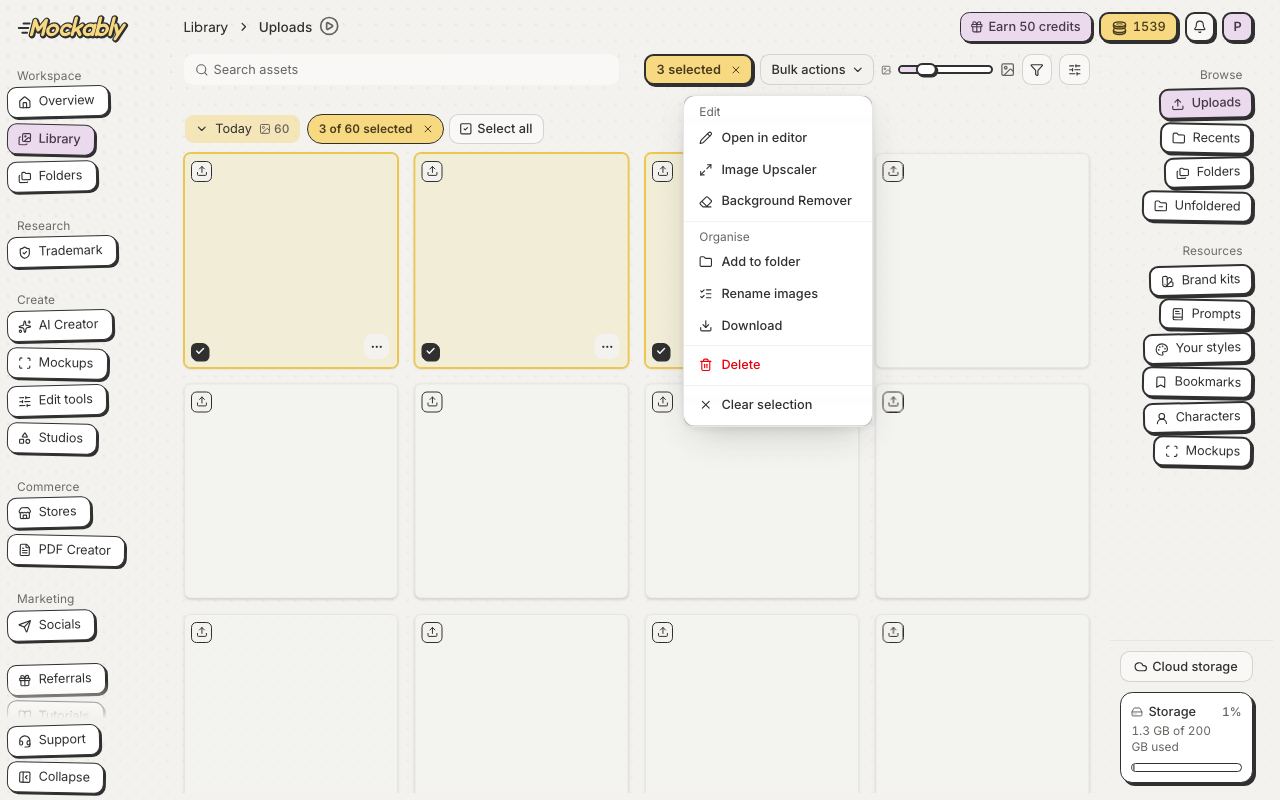
- Tick the images you want, or use Select all.
- Click Bulk actions, then Add to folder.
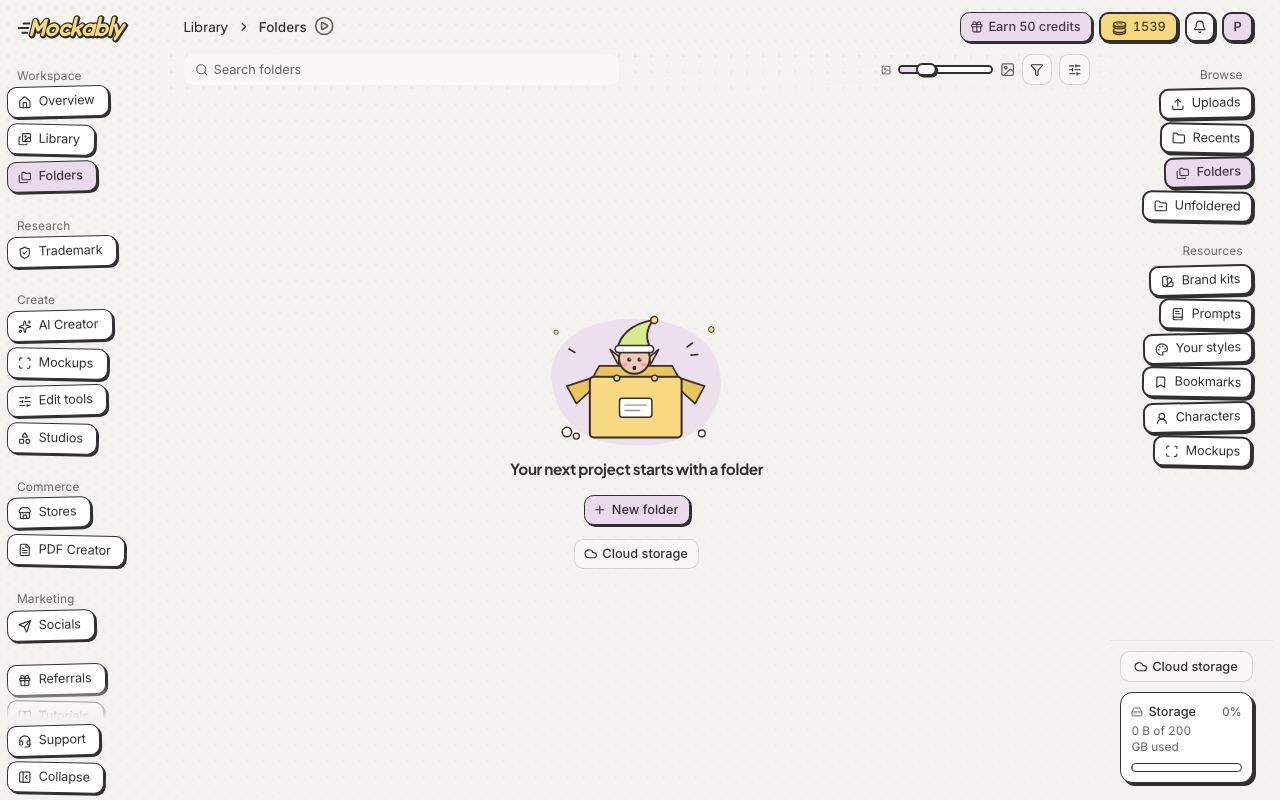
- Pick a folder, or make a new one right there.
- Done! Click Go to folder to see them.