
05:00
Tutorials
How to Use the Coloring Page Maker
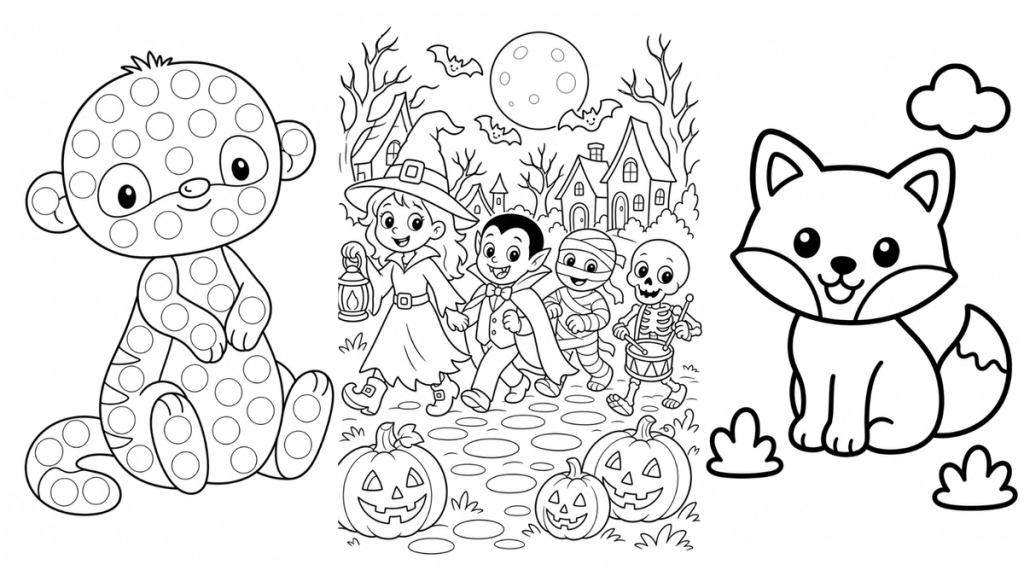
Learn how to create consistent coloring pages in Mockably using ready-made styles, permutations and your own images. Perfect for coloring books, kids activities, Etsy printables and more.
Read moreLearn how to create amazing mockups with our video tutorials
Learn how to create consistent coloring pages in Mockably using ready-made styles, permutations and your own images. Perfect for coloring books, kids activities, Etsy printables and more.
Read more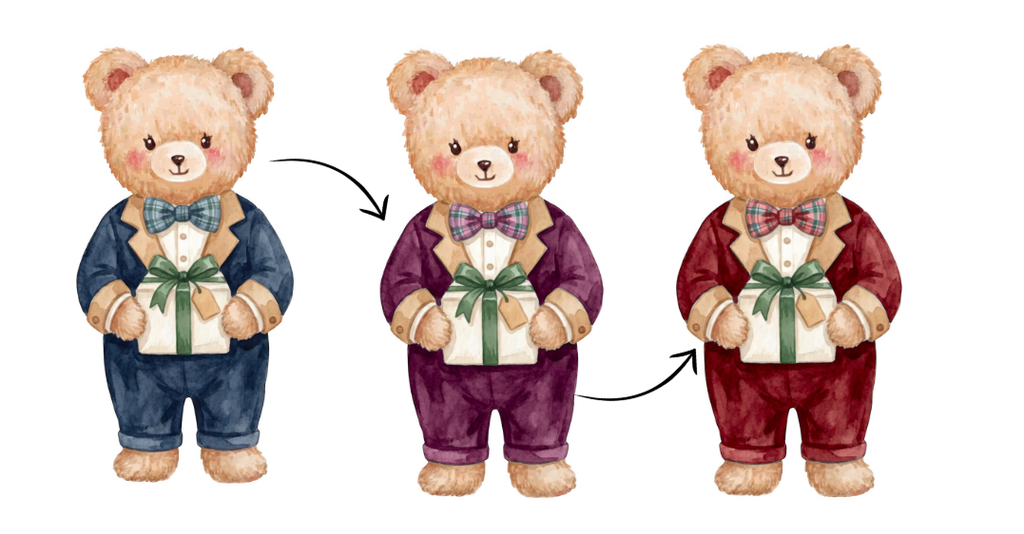
Turn one clipart collection into multiple color variations in minutes. Learn how to use Mockably Recolor to replace colors across up to 100 PNGs at once, review the results and fix individual areas without recreating your collection from scratch.
Read more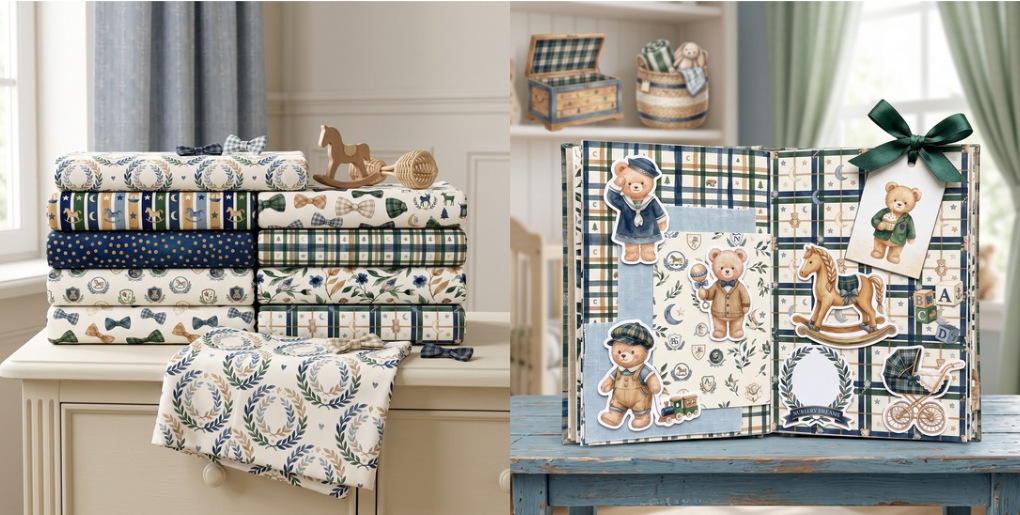
Create lifestyle mockups using your full clipart pack, seamless patterns, or a mix of both. Choose from ready made mockup styles, customise the scene, and turn your collection into beautiful Etsy listing images in just a few clicks.
Read more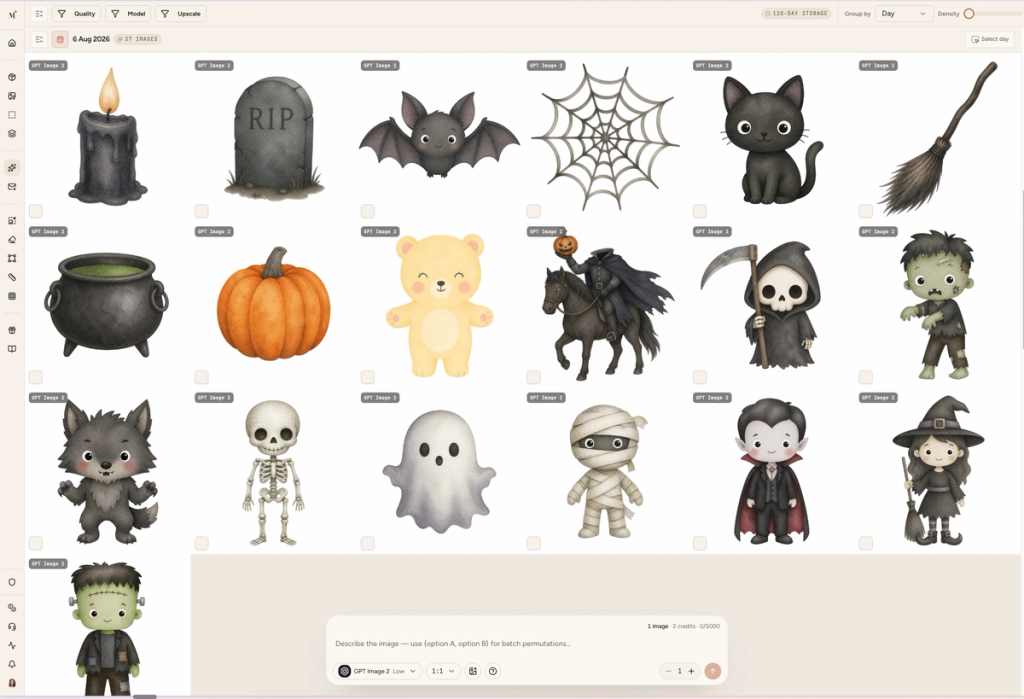
We just recorded a full walkthrough video showing everything that changed and it is now live!
Read more
Create clipart and AI images in bulk using ChatGPT, Nano Banana and more. Queue up multiple generations at once with permutations and download everything with full commercial use.
Read more
We’ve added a new Get Ideas feature to help you come up with creative scene ideas for your mockups. With one click, Mockably generates scene suggestions you can select and use for your images.
Read more
Learn how to create trending stained glass templates using AI prompts and turn them into professional product mockups with Mockably. This step-by-step tutorial shows the full workflow from idea to ready-to-sell listing images.
Read more
Learn how to use your own product images as a base instead of catalog products.
Read more
Learn how to merge your design into an existing mockup image in just a few seconds.
Read more
Learn how to use Mockably to create mockups for your clipart shop and show customers how your designs work in real products.
Read more
Learn how to create gatefold mockups and upload your designs in the correct order for perfect results.
Read more
Learn how to add extra scene details to make your mockups feel more realistic and dynamic.
Read more
Learn how to include multiple products in a single mockup, for both printables and print on demand items.
Read more
A quick introduction to Mockably and the tools you’ll use to create and merge mockups.
Read more


