How to Use the Coloring Page Maker
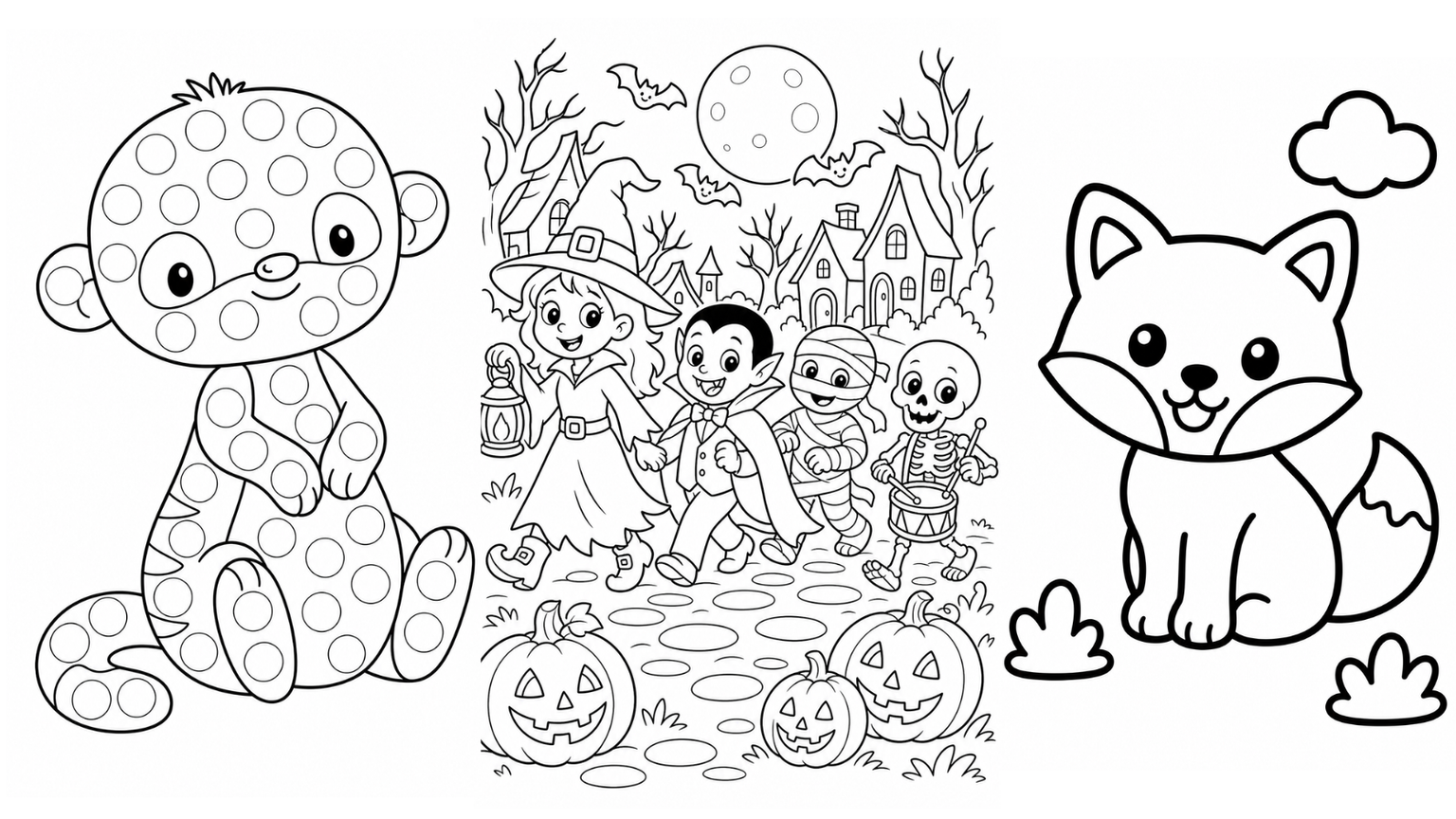
Create complete coloring page collections without having to write complicated prompts 🎨
In this tutorial I’ll show you how to use the Coloring Page Maker from start to finish.
You’ll learn how to:
✨ Describe your own coloring page idea or use Inspire Me to generate ideas
✨ Choose between different styles including Preschool, Classic Storybook, Kawaii, Detailed Line Art, Color by Numbers and Color by Stickers
✨ Use permutations to create several matching pages at once
✨ Upload an existing image and turn it into a coloring page
✨ Create consistent pages for a full coloring book or activity pack
✨ Download individual images, bulk PNG files or a PDF
Little tip: If you’re creating a full collection, use the same style throughout so everything feels cohesive.
This is perfect for things like kids activity packs, nursery themes, seasonal printables, Bible activities and coloring books 💛